How to Win Google Ads in AI Overviews
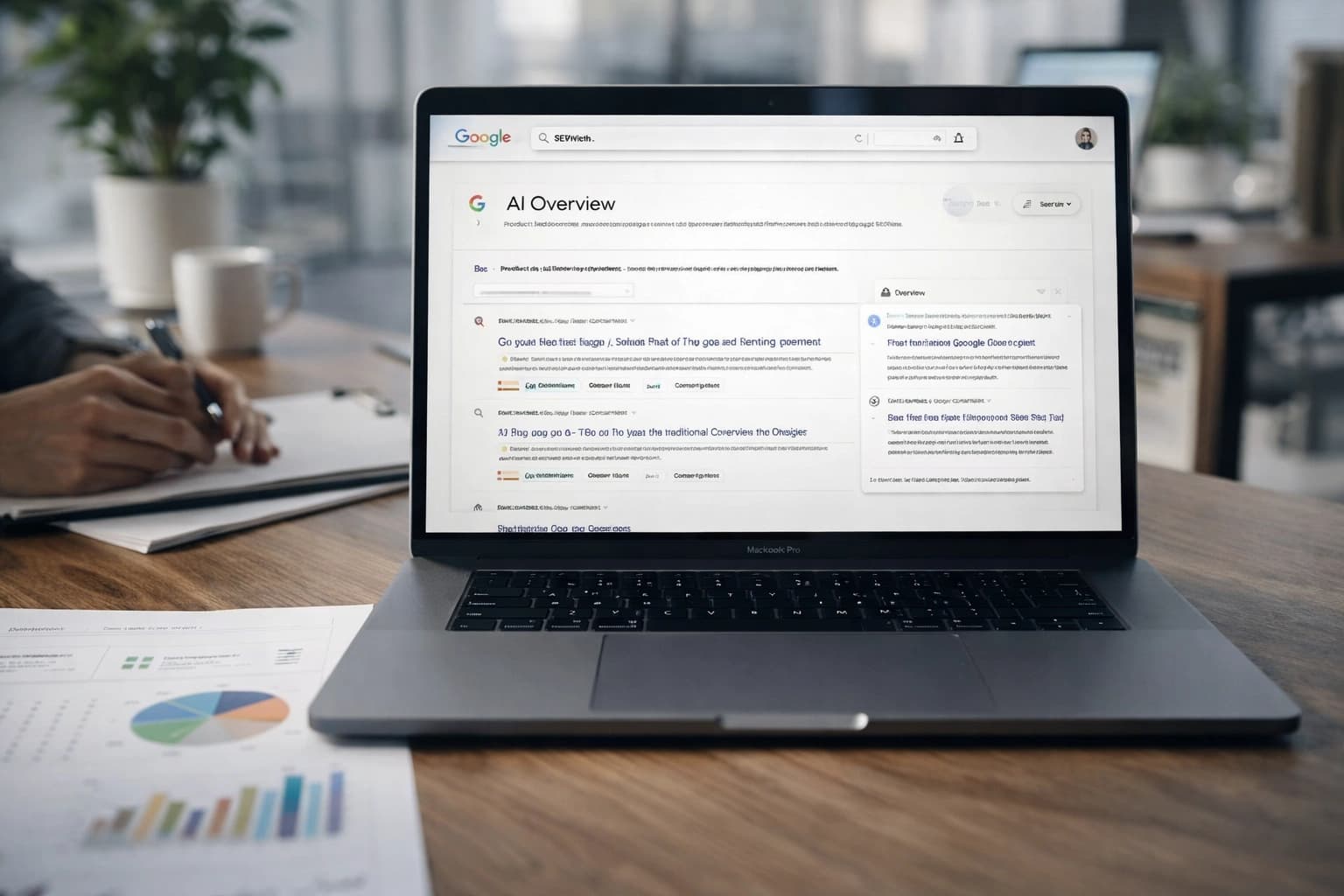
You refresh the results page for “best CRM for contractors,” and the page feels wrong for half a second. Then you see it. A synthesized answer sits above the blue links, stealing the first glance. Before your ad even settles into view, the click path has already changed.
That is the new reality for google ads in ai overviews. If you answer every softer click-through rate with a bigger bid, you will spend more and understand less. The better move is operational, not emotional: inspect the live SERP, find the queries where attention shifted, rebuild structure around intent, rewrite ads for answer-first searchers, and tighten the ad-to-page handoff.
This is also why paid, SEO, and content teams need to compare notes now. The same results page that compresses ad attention can also change how your organic listing, pricing page, or comparison page gets seen.
Prerequisites: Read the SERP before you touch campaigns
What has changed in the search results page
Watch This Helpful Video
To help you better understand google ads in ai overviews, we've included this informative video from Ivan Mana. It provides valuable insights and visual demonstrations that complement the written content.
Google AI Overviews used to be called SGE — Search Generative Experience. The name changed, but the practical issue for advertisers stayed the same: Google inserted a synthesized layer between the query and the traditional list of links.
The rollout did not happen on one neat launch day. Google first deployed AI Overviews in the United States in mid-2024, and ads were initially limited to above-the-fold placements. By early-to-mid 2025, the feature had expanded to more than 100 countries. That matters because what you see in the U.S., the U.K., or Australia may not match what your colleague sees in Germany or India for the same term.
Do not optimize blind: first confirm whether the query actually surfaces an AI Overview in your target market.
Tools and access you need before you optimize
You do not need exotic software to start. You do need clean access. At minimum, gather live SERP checks, Google Ads reporting, analytics, and conversion data that goes beyond form fills. If your sales team uses HubSpot or Salesforce, pull that feedback in too — a lower CTR can still be fine if lead quality improves.
| Tool or Access | Why You Need It | What to Pull First |
|---|---|---|
| Google Ads | See search terms, CTR, impressions, conversions, and market splits | Last 30, 60, and 90 days by query cluster and country |
| Analytics platform | Check post-click behavior and conversion paths | Landing page conversion rate, engaged sessions, assisted conversions |
| CRM or sales feedback | Judge lead quality, not just lead volume | Qualified lead rate by campaign or landing page |
| Manual SERP review | Confirm whether AI Overviews appear and how they reshape attention | Query, market, device, and screenshot notes |
Baseline metrics to capture before the first tweak
Before you edit a headline, save a baseline. Pull performance by query cluster, not just by campaign name. A campaign labeled “SaaS Search” tells you almost nothing. A cluster labeled “comparison intent — project management software” tells you a lot.
- Impressions by query cluster and country
- CTR by cluster, device, and market
- Conversions and conversion rate by landing page
- Cost per lead or return metrics where you already trust them
- Qualified lead rate, opportunity rate, or sales feedback if available
For a search like “Asana alternative pricing,” save the live SERP and the account metrics on the same day. You want one record of what users saw and another of how they behaved.
Step 1: Find the queries where AI Overviews are stealing the most attention
Group keywords by intent, not just by theme
Start with intent buckets. Theme-based groupings are too blunt now. “CRM” can hide research intent, vendor comparisons, brand navigational intent, and bottom-of-funnel pricing queries in one messy pile.
| Example Query | Intent Cluster | Why It Matters |
|---|---|---|
| best CRM for contractors | Research / non-brand | AI Overview can absorb early education clicks |
| HubSpot pricing | Brand / commercial | User likely wants direct vendor details fast |
| Salesforce alternative for SMB | Competitor / comparison | Ad must win on fit and differentiation |
| book CRM demo | High-intent / action | Often worth protecting with tighter control |
This is where many teams first ask the hard question: “Where did my traffic go?” or “Why are my CTRs falling off a cliff?” Usually, the answer is not that every keyword worsened. A few intent clusters lost attention first.
Check which queries trigger AI Overviews today
Now inspect the live results. Search from the target market. Do it on the devices that matter. If your pipeline comes mostly from U.S. desktop and U.K. mobile, check both. The rollout has been progressive, so you cannot assume one screenshot explains the whole account.
Write down three things for each priority query: whether an AI Overview appears, what type of question it answers, and how much room it takes before the first natural next click. If you skip this, your keyword list becomes a guess disguised as analysis.
If you do not know which queries trigger the feature, your keyword list is the wrong starting point.
Prioritize the terms where CTR and traffic have already softened
Look for clusters where impressions stayed steady but CTR slipped, or where organic and paid clicks both softened while the query stayed commercially relevant. That pattern often signals a SERP attention problem rather than a pure demand problem.
- Sort query clusters by spend or lead value.
- Flag clusters with steady impressions and declining CTR.
- Compare those clusters against live SERP checks.
- Move the top five into your first round of changes.
If “best payroll software for restaurants” still gets impressions but fewer clicks, start there before you touch lower-value terms. Fix the places where attention shifted and money already flows.
Step 2: Rebuild campaign and ad-group structure around intent clusters
Separate brand, non-brand, and competitor intent
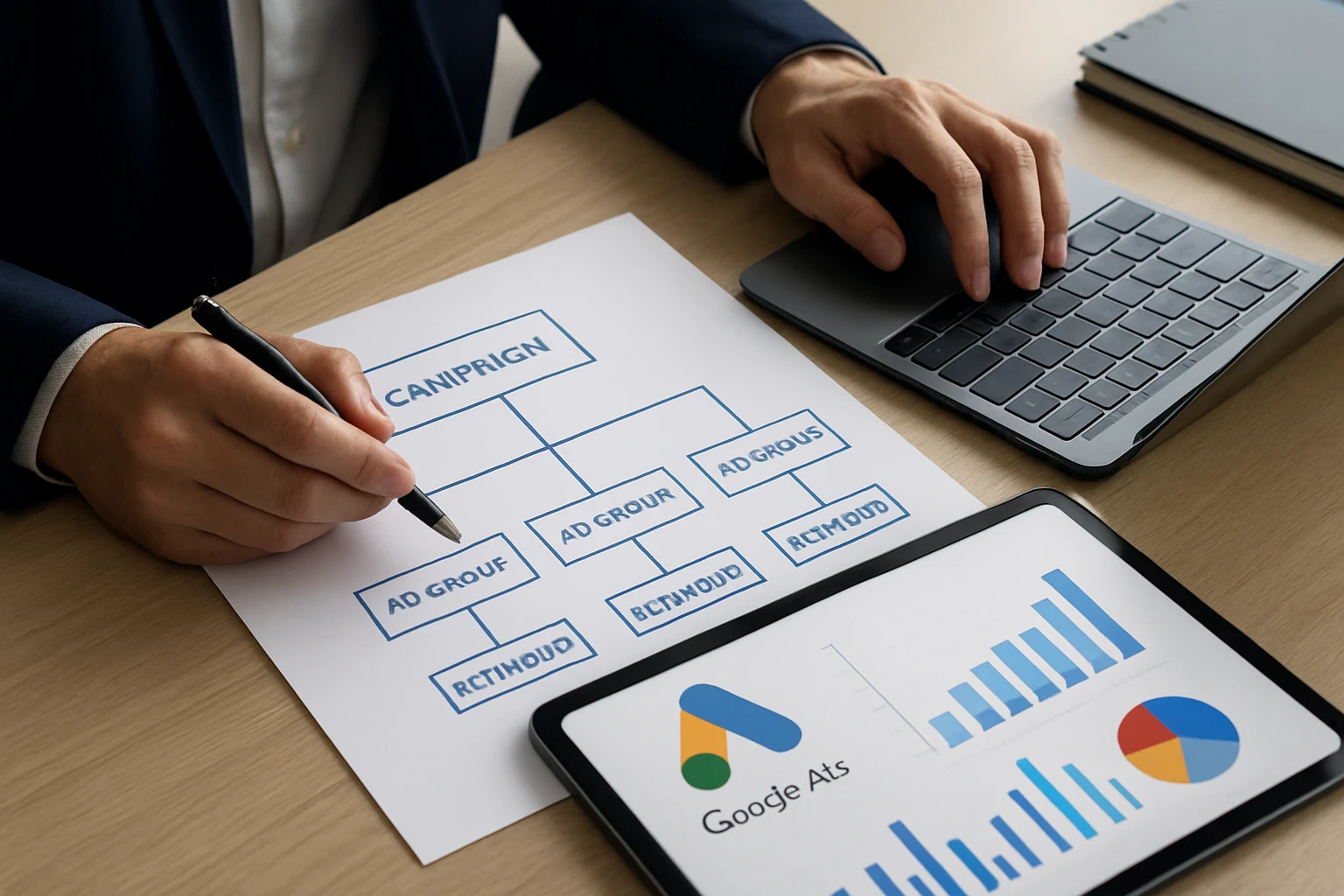
Brand, non-brand, and competitor searches do not deserve the same budget logic or message. In an AI Overview-heavy SERP, that difference gets even sharper. A user searching your brand often wants direct confirmation. A user searching “Monday.com alternative” wants evaluation help. A user searching “best project management software” may still be learning.
Split these paths cleanly. If you mix them, the stronger signal from brand traffic can hide weak non-brand performance, and competitor queries can burn budget while looking “active” in the dashboard.
Use tighter ad groups and stronger negatives
Loose ad groups create ambiguity, and ambiguity is expensive when the SERP is already doing more interpretive work for the user. Keep related terms together only when they share the same intent and deserve the same landing page.
Add negatives with discipline. For example, if you sell enterprise cybersecurity software, “free malware removal” should not quietly hitch a ride inside a broad research cluster. Review search terms often. The changing SERP makes weak relevance hurt faster.
Align match types with the level of commercial intent
Match type should reflect how much uncertainty you can tolerate. High-intent phrases such as “demo,” “pricing,” “quote,” or “consultation” usually deserve tighter control. Broader research terms can still be useful, but only when you have a clear review rhythm and enough negatives to protect relevance.
Geography matters here too. Because rollout behavior has varied across markets, a broader structure that behaves acceptably in the U.S. may become noisy in a newer market where the overview appears differently.
In AI Overview-heavy searches, broad coverage without tight intent control usually creates more noise than reach.
Step 3: Rewrite ads for answer-first searchers
Mirror the problem the overview already answered
If the AI Overview already explained the basics, do not make your ad repeat those basics. Move one step forward. Your copy should answer the next decision question. For “best email verification tools,” that next question may be accuracy, pricing transparency, compliance, or integration speed.
Think of the ad as a continuation, not a summary. If the overview says what something is, your ad should say why your option fits better, faster, or more safely.
Front-load proof, offer, or differentiator
During the U.S. launch phase in mid-2024, Google initially limited AI Overview ad placements to above-the-fold positions. That detail still points to the same copy lesson: you must earn attention quickly. Put your strongest proof near the front.
That proof could be transparent pricing, migration help, industry fit, a comparison angle, or a concrete offer such as “Book a Demo” or “See Plans.” Keep it true. Keep it specific. “All-in-one solution” tells nobody anything.
Strengthen supporting assets like sitelinks and callouts
Sitelinks and callouts matter more when users are choosing their first click after reading a generated answer. Build assets around the next questions people ask: Pricing, Case Studies, Integrations, Security, Demo, and Compare Alternatives.
If you sell HR software to manufacturers, a sitelink to “Payroll for Multi-State Teams” can beat a generic “Learn More” every day of the week. Give the searcher a reason to choose depth over the summary.
Your ad is no longer competing only with other ads; it is competing with the answer box.
Step 4: Fix landing pages so the promise carries through
Match the headline to the query intent
Do not dump paid traffic onto a broad homepage and hope the brand carries it. If the query is “accounting software for nonprofits,” the page headline should reflect that intent plainly. Relevance has to survive the click.
This sounds basic. It is still where many accounts leak money. When CTRs are already under pressure, every click becomes more expensive emotionally and financially.
Answer the next question immediately
A visitor who just saw an AI summary does not need a long preamble. They need the next answer. Show what makes your offer fit: setup time, pricing model, integrations, support, industry expertise, migration path, or comparison context.
If the query is “EHR software for small clinics,” the page should move fast into clinic-specific benefits, implementation, and proof. Do not restate a generic definition of EHR. They just saw that already.
The page should feel like the next sentence after the AI summary.
Remove distractions that slow the conversion path
Heavy navigation, rotating carousels, vague hero copy, and long brand-history sections create friction. Trim them back. Put your main CTA, the top proof point, and one trust signal above the fold.
For B2B pages, I like a simple stack: clear promise, primary CTA, proof strip, short explanation, and one objection-handling block. Clean beats clever here.
Step 5: Set up measurement for Google Ads in AI Overviews performance
Create a pre/post baseline by query cluster
Do not measure this only at account level. Build a baseline by cluster, country, and, if volume allows, device. The rollout has happened progressively across markets, so blended account averages can hide the real story.
Take snapshots before and after major edits. For example, save one view for U.S. non-brand comparison queries and another for U.K. brand queries. If you change both structure and copy at once across every market, you lose the plot.
Track impressions, CTR, and conversions together
CTR matters, but it does not get the final vote. Read the three signals together.
| Pattern | Likely Read | Next Move |
|---|---|---|
| Impressions flat, CTR down, conversions flat | Attention shifted, but traffic quality may be intact | Test new copy and assets before raising bids |
| Impressions flat, CTR down, conversions down | Relevance or landing-page fit may have weakened | Check live SERP, rewrite ads, and tighten page match |
| Impressions up, CTR down, conversions up | Broader visibility may be bringing enough qualified users | Protect the cluster and judge by lead quality |
| CTR stable, conversions down | Post-click issue, not a pure SERP issue | Audit landing pages and follow-up flow |
Do not judge success on CTR alone; a lower click rate can still produce better downstream leads if the traffic is more qualified.
Use tests to separate copy changes from SERP changes
Run tighter tests than usual. Change one thing where you can: headline angle, sitelink set, landing page headline, or match-type control. Then annotate the date. The SERP is moving under you, so your testing discipline has to get better, not looser.
- Pick one intent cluster in one market.
- Change ad copy or assets, not everything at once.
- Log the live SERP on the start date.
- Review performance against the saved baseline.
Advertisers have been vocal about traffic loss and softer CTR as AI Overviews spread. That anxiety is real. Your best defense is a clean test design that tells you whether the drop came from the SERP, the ad, or the page.
Common mistakes to avoid when Google Ads meet AI Overviews
Treating AI Overviews like a separate campaign type
Many teams go looking for a special switch, as if this were a brand-new network inside the interface. That is usually the wrong mental model. AI Overviews evolved from SGE and rolled out gradually, so the real work happens in query research, structure, copy, pages, and measurement.
If you treat it like a mysterious add-on, you miss the actual job: adapting to a new SERP behavior.
Chasing volume instead of high-intent queries
When CTR dips, the reflex is often to widen the net. More broad queries. More traffic. More reach. That move can mask the problem for a week and worsen it for a quarter.
Protect high-intent clusters first. “Demo,” “pricing,” “compare,” “quote,” and clear use-case queries usually teach you more than a fresh pile of top-funnel noise.
Ignoring market-by-market rollout differences
By early-to-mid 2025, AI Overviews had reached more than 100 countries. That scale is exactly why geography matters. The same account can show different behavior in the U.S. and Canada, or in the U.K. and Australia, even when the product and budget are similar.
Compare like with like. Separate markets. Save SERP evidence. Then diagnose.
The biggest mistake is assuming the interface changed faster than the buying intent did.
Win the new SERP by working the whole chain: inspect the page, cluster intent, sharpen the ad, tighten the landing page, and measure by query and market.
That operating model keeps google ads in ai overviews from turning into a panic project. When you review your own account this week, which query cluster is losing attention first — and what does the live SERP show that your dashboard still hides?
Grow Smarter With SEOPro AI
An AI blog writer plus publishing, linking, schema, and monitoring workflows helps teams scale organic visibility, LLM mentions, and faster content operations.
See It Work