How to Optimize for Google Overviews

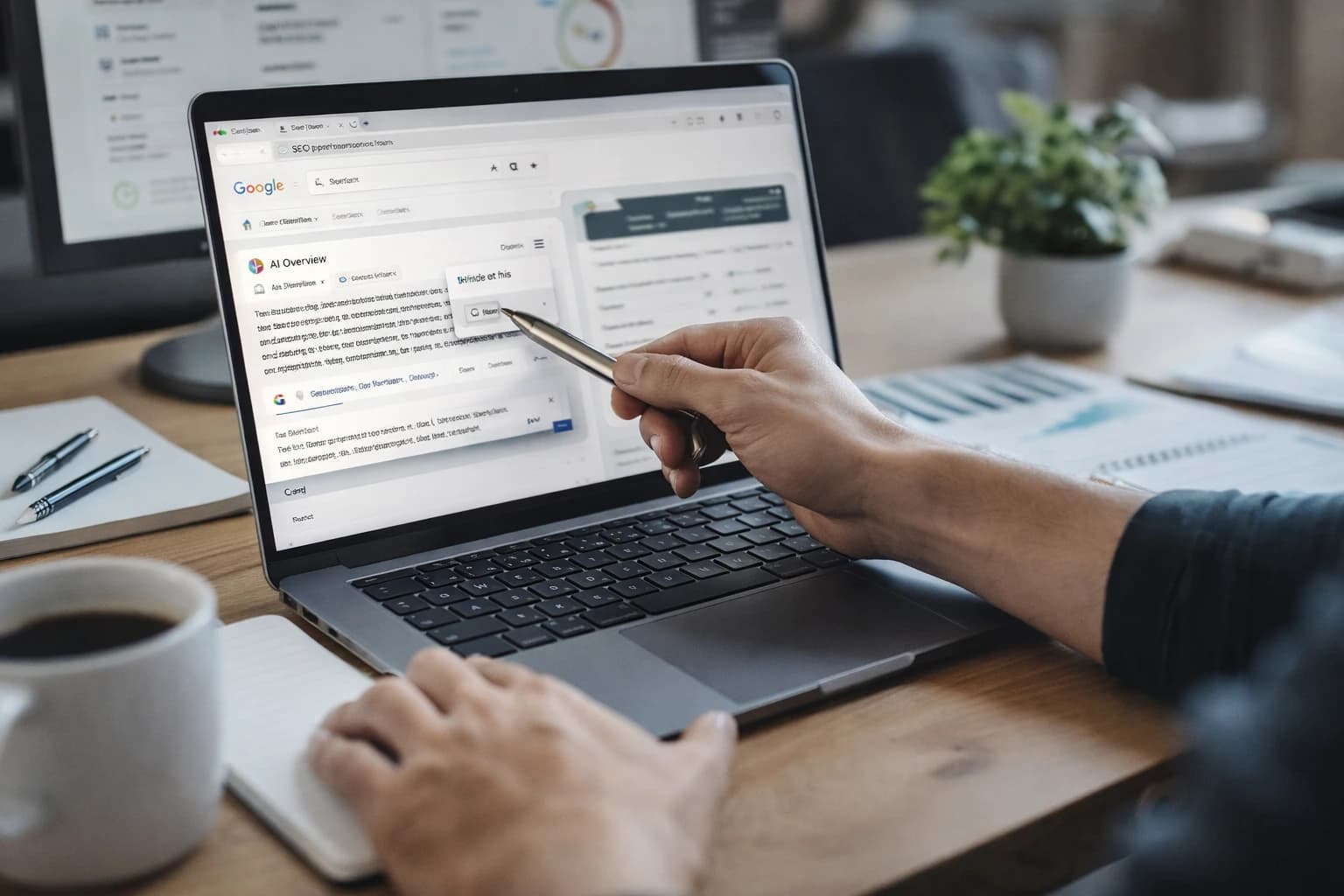
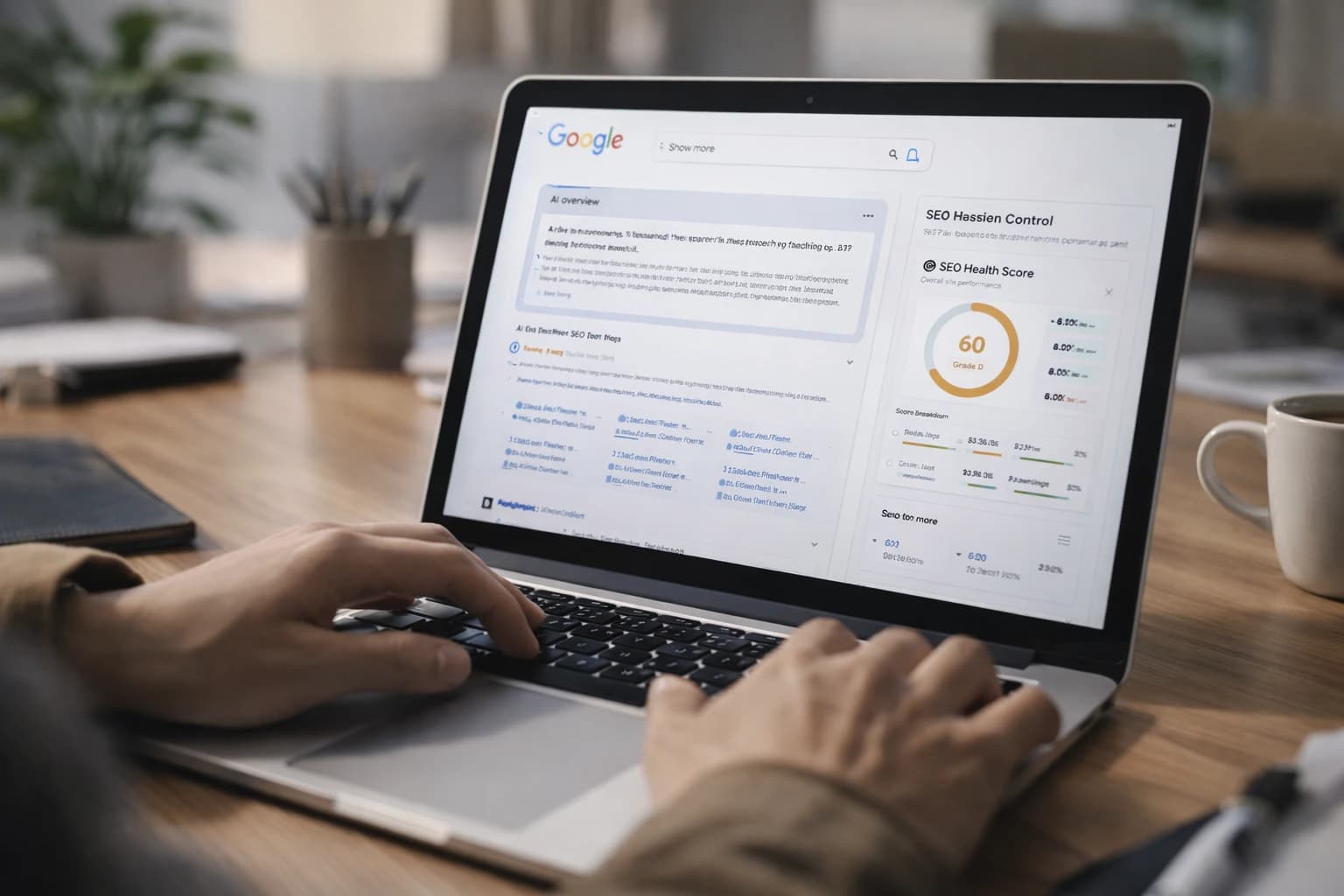
At 9:14 on a Tuesday, you refresh a query you have watched for months. Maybe it is “what is a canonical tag” or “best CRM for small law firms.” The page redraws itself. A sprawling AI answer box now sits above the familiar blue links, cites a few sources, and changes the click path before your result even gets a fair shot.
That is the moment many SEO teams realize the brief has changed. Your page now has to be understandable to both people and machines at once. Google Overviews are AI-generated search responses that can appear above traditional organic results and include cited sources. If you already know the basics of technical SEO and content optimization, this work is less about tricks than about sequencing: pick the right queries, answer them cleanly, prove credibility, and remove technical friction.
We have done this the hard way on content libraries with hundreds of URLs, and the pattern repeats. The pages that surface are usually not the loudest pages. They are the clearest ones.
Prerequisites: what you need before you optimize for Google Overviews
Do not start by rewriting copy. Start by building a clean operating environment. Before you change a single heading, you need to know where Overviews already appear, whether your target pages can be crawled and indexed, and how you will measure progress.
Watch This Helpful Video
To help you better understand google overviews, we've included this informative video from CarterPCs. It provides valuable insights and visual demonstrations that complement the written content.
Audit which queries already trigger Google Overviews
Open Google Search Console and export at least 90 days of query data for the section of the site you care about. Sort by impressions first, then scan for question patterns like “what is,” “how to,” “best way,” “which is better,” and “vs.” Those are the query shapes where Google often tries to summarize the answer directly.
Now leave the spreadsheet and check the live SERP. Manually review 20 to 30 of those queries on desktop and mobile. Note whether an Overview appears, what sources Google cites, and what format the response takes. Is Google defining a concept, comparing options, or walking the user through a process? Search Console shows demand. The live result shows intent and extraction style.
Check whether your page is actually indexable and crawlable
Verify the boring stuff first — because boring stuff breaks this effort all the time. Check that the page returns a 200 status, is not blocked by robots.txt, is not tagged noindex, and points to the correct canonical URL. Then confirm that the canonical page itself is indexable and internally linked.
If you are auditing a large site, use Screaming Frog or Sitebulb to pull canonical tags, indexability directives, word count, response codes, and inlinks into one view. You are looking for hidden blockers: faceted duplicates, JavaScript rendering failures, orphaned content, or templates that accidentally insert the wrong canonical. A page that cannot be reliably crawled is not a candidate for reuse.
If a page can’t be reliably crawled and indexed, it cannot meaningfully compete for Google Overviews.
Gather the tools you’ll use to measure visibility and content quality
You do not need a giant stack, but you do need a stable one. For most teams, that means Google Search Console, Google Analytics, a rank tracker that can note AI result presence, and a crawl tool like Screaming Frog or Sitebulb. PageSpeed Insights is useful for spot checks. A shared spreadsheet still matters, because Overviews tracking is messy and often requires manual SERP notes.
| Tool | What to check | Why it matters |
|---|---|---|
| Google Search Console | Queries, impressions, indexed URLs | Find topics with demand and confirm search eligibility |
| Google Analytics | Engagement, landing pages, conversions | Separate visibility wins from useful traffic |
| Rank tracker | SERP features, query monitoring | Track which terms show Overview-style results over time |
| Screaming Frog or Sitebulb | Canonicals, directives, internal links | Catch technical blockers before editorial work begins |
Step 1: Choose the right queries to target
Not every keyword is a good Overview target. If you point this process at the wrong query set, you will spend weeks polishing pages that Google would rather treat as navigational or transactional.
Separate informational intent from navigational and transactional intent
Start with intent, not search volume. Queries like “HubSpot login” or “buy standing desk” usually want a destination or a product page. Queries like “what is topical authority,” “best way to clean white sneakers,” or “which is better SQL or NoSQL” invite summarization. Google is more likely to synthesize those because the user is seeking understanding before action.
That does not mean conversion topics are useless. It means you should match page type to query type. A pricing page can still rank well, but it is rarely the best asset to win a summary-style result.
Prioritize question-based keywords and long-tail topics
Question-driven and problem-solving phrases often give you a clearer opening. In Search Console, filter for modifiers like “how,” “why,” “what,” “when,” “vs,” “best,” and “which.” Then group similar phrases into themes. One page might cover “what is a canonical tag,” “canonical tag meaning,” and “when to use canonical tags” if the intent is close enough.
Long-tail queries help because they force specificity. A page targeting “best CRM” has to satisfy half the internet. A page targeting “best CRM for 10-person law firms” has a tighter answer set, clearer entities, and fewer ways to ramble.
Look for themes where Google already summarizes the answer directly
Manually check whether Google is already trying to answer the topic in the SERP. If you see an Overview, a featured snippet, a People Also Ask cluster, or a strong knowledge panel pattern, that is your cue that Google wants structured explanations on that topic.
| Query type | Overview likelihood | Best content angle |
|---|---|---|
| “What is canonical tag” | High | Definition first, then examples and edge cases |
| “Which is better SQL or NoSQL” | High | Comparison table with context and tradeoffs |
| “HubSpot login” | Low | Navigational intent; do not force an explainer page |
| “Buy standing desk near me” | Low | Transactional intent; prioritize local and product signals |
Don’t start with your favorite keyword; start with the query type Google is already trying to answer for the user.
Step 2: Match the search intent with a clean answer structure

Once you choose the query, structure the page so the answer arrives early and the detail arrives in the order a user actually needs it. This is where many otherwise solid pages lose. They know the topic, but they make readers dig.
Lead with a direct, one-paragraph answer
If the target query is “what is a canonical tag,” answer that in the first paragraph in plain language. Aim for a crisp definition or decision statement, often in 40 to 60 words. Do not spend 200 words warming up with brand positioning, scene-setting, or vague promises. That slows the user down and muddies the signals Google can extract.
A strong opening usually does three things fast: names the concept, explains its function, and sets a practical boundary. For example: what it is, why it exists, and when it matters.
Expand with supporting details, examples, and exceptions
After the direct answer, add substance. This is where you explain the “why,” the common variations, the tradeoffs, and the edge cases. If the topic is “which is better SQL or NoSQL,” your second layer should cover data structure, scaling, query flexibility, and workload fit. If the topic is medical, financial, or legal, this layer should also define limits and caveats clearly.
Use examples that reduce ambiguity. “Use a canonical tag when the same product appears under multiple filtered URLs” is stronger than “Use canonicals for duplicate content.” Specificity makes the answer easier to trust and easier to reuse.
Use section order that mirrors the user’s decision process
Think like a good support rep. What does the user need first, second, and third? Usually the sequence looks like this:
- Direct answer
- Why it matters
- How it works or how to do it
- Exceptions, comparisons, or mistakes
That order matters. Pages that dump every subtopic into a flat wall of copy often contain the right facts, but they do not present them in a reusable hierarchy. A cleaner outline often beats a longer draft.
The fastest path to visibility is often not “more content” but a clearer answer hierarchy.
Step 3: Strengthen authority with entities, sources, and firsthand evidence
Google does not just need an answer. It needs a reason to trust the answer. That trust shows up in language, sourcing, and evidence that sounds like it came from real work instead of generic rewriting.
Use precise terminology and related entities
Name things accurately. If you are writing about technical SEO, use terms like canonical tag, robots meta tag, XML sitemap, hreflang, and Google Search Console where they fit naturally. If you are covering finance, naming the IRS or GAAP can help anchor the topic. Related entities make the subject matter easier to interpret because they narrow the semantic field around the page.
Precision also keeps your writing honest. “Search engines understand duplicate preference signals through canonicals” is clearer than “Google likes properly optimized pages.” One says something testable. The other says almost nothing.
Cite original sources, not just other blog posts
When you need evidence, go to the source closest to the fact. If you explain canonical behavior, read Google Search Central documentation before citing a roundup post. If you cover public health, use CDC or NHS materials before quoting someone else’s summary of them. Secondhand paraphrases tend to flatten nuance, and nuance is often what makes a page worth citing.
That does not mean every paragraph needs a link. It means your claims should come from places a careful editor would recognize as primary or authoritative.
Add first-party examples, screenshots, or process details
This is where operator pages start to separate from template content. Add screenshots from Search Console, a before-and-after content outline, an annotated crawl export, or a short explanation of what happened during a migration. Even a simple note like “we found 312 parameterized duplicates in Screaming Frog and consolidated them to one canonical target” gives the page a texture generic content cannot fake.
On one hreflang cleanup we handled, the biggest improvement to the draft was not extra word count. It was adding the actual failure mode: conflicting return tags across language variants. That kind of firsthand detail tells both users and machines that the page comes from lived practice.
Google Overviews reward pages that sound like they were written by someone who has actually done the work.
Step 4: Format the page so Google can extract the answer cleanly

Good formatting is not decoration. It is part of the retrieval layer. If your content is easy to scan, easy to segment, and easy to quote, it becomes easier for Google to interpret and reuse.
Make H2s and H3s descriptive and specific
A heading like “Things to consider” is nearly useless. A heading like “When to use a canonical tag instead of a redirect” gives both the reader and the parser a defined task. Write headings that announce the exact question the section answers.
This also improves editorial discipline. Descriptive headings force you to notice when a section drifts or repeats itself.
Use bullets, tables, and short procedural steps where appropriate
Lists and tables help when the user needs comparison or sequence. If you are explaining migration risks, a bullet list works well. If you are comparing CMS options, a table is usually better. The test is simple: could a rushed reader understand the section in 10 seconds?
| Weak presentation | Stronger presentation |
|---|---|
| Long paragraph comparing three options | Simple table with use case, strengths, limits |
| Generic heading like “Overview” | Specific heading like “How canonical tags differ from 301 redirects” |
| Process hidden inside narrative copy | Numbered steps with one action per line |
Place summary answers near the top of each section
A practical pattern is to start each major section with one or two sentences that answer the section’s implied question, then expand below. Think of it as mini-snippet writing. Your reader gets orientation fast, and Google gets a clean candidate passage before the deeper explanation begins.
This does not mean every page should sound robotic. It means each section should have a visible takeaway before it dives into detail.
If a human skims your page in ten seconds, a machine likely can too.
Step 5: Improve technical SEO signals that support inclusion
Strong content still needs a stable delivery system. Technical SEO will not rescue a weak page, but weak technical execution can absolutely stop a strong page from being discovered, interpreted, or trusted.
Confirm canonical tags, indexation, and robots directives
Review canonicals first. The target URL should self-canonicalize unless there is a clear reason not to. Make sure the page is indexable, that robots directives are not contradictory, and that pagination, faceted filters, or parameter URLs are not stealing signals from the primary page. Then check internal links. If your best explainer page only has one inlink from a buried tag archive, you are making Google work harder than necessary.
For large sites, build a simple checklist: status code, canonical target, noindex state, inlinks, XML sitemap inclusion, and mobile rendering. That five-minute pass catches more real blockers than endless copy debates.
Improve page speed and mobile usability
Many Overview-triggering queries happen on mobile, often in distracted moments. If the page lags, jumps, or renders badly on a smaller screen, you make the experience weaker for both the visitor and the crawler. Use PageSpeed Insights for spot checks, but also open the page on an actual phone. An iPhone 14 on office Wi-Fi is one test. A midrange Android on throttled 4G is a better one.
Look for obvious friction: oversized scripts, intrusive interstitials, unstable layouts, and accordions that hide critical answers too deep in the page. Your answer should be visible without a scavenger hunt.
Use schema markup where it genuinely helps understanding
Structured data does not guarantee inclusion in Google Overviews. It can, however, reinforce what the page is, who published it, and how certain elements relate to each other. Use markup that reflects the visible content accurately. Article, BreadcrumbList, Organization, Product, and other relevant types can clarify the page when implemented cleanly.
On larger content programs, this is where a system matters. Teams managing dozens or hundreds of URLs often turn to platforms like SEOPro AI to make schema guidance, internal linking checks, and monitoring repeatable instead of manual. That does not replace editorial judgment. It keeps the operational details from slipping.
| Technical signal | What to verify | Why it helps |
|---|---|---|
| Canonical tags | Correct primary URL, no contradictions | Consolidates signals to the intended page |
| Indexation | No noindex, crawlable resources, sitemap inclusion | Keeps eligible pages in the search set |
| Internal linking | Relevant contextual links from strong pages | Improves discovery and topical relationship signals |
| Structured data | Accurate schema that matches visible content | Reinforces page meaning without promising a feature |
Technical SEO will not make weak content win Overviews, but broken technical foundations can keep strong content out.
Common mistakes that keep pages out of Google Overviews
By this point, the pattern should feel clear. Still, a few habits derail otherwise solid pages over and over. Most of them come from treating this like a formatting exercise instead of an editorial one.
Writing vague intros that delay the answer
This is probably the most common failure. A page opens with a broad statement about how “businesses need visibility online,” then takes four paragraphs to answer the actual query. If the user searched “how to fix duplicate title tags,” they do not need a speech. They need a diagnosis and the first corrective step.
Lead with the answer. Context can wait its turn.
Stuffing the page with keyword variants instead of useful detail
Awkward repetition does not make a page more understandable. It usually does the opposite. If every paragraph strains to jam in near-identical phrases, clarity drops and trust goes with it. Google is good at understanding related language. Your job is to explain the topic well, not to chant synonyms at the page.
Swap repetition for substance. Add an example, a caveat, a comparison, or a real failure mode from an audit.
Publishing thin content with no evidence, examples, or freshness
Thin pages often look complete at a glance. They have headings, a few definitions, and maybe a list. Then you read closely and realize they say nothing original. No source grounding. No screenshots. No process detail. No date-sensitive review. Those pages are weak candidates for summary systems because they do not add much beyond what already exists.
Freshness matters here too. A solid explainer from 2022 may still be relevant, but if the screenshots, policies, or product interfaces changed, review it. Outdated details quietly erode trust.
The biggest mistake is treating Google Overviews like a formatting trick instead of a content quality problem.
Google overviews go to pages that target the right query, answer it fast, prove the work behind the answer, and remove technical drag.
That framework is deliberately plain: better targeting, cleaner structure, stronger evidence, tighter implementation. Run it on one high-impression page this week, document what changed, and repeat. Which URL on your site is already close to Overview-ready — and what is still getting in its way?
Sharper SERP Wins With SEOPro AI
SEOPro AI gives teams schema markup guidance, publishing workflows, and monitoring to capture SERP features, strengthen Google Overviews eligibility, and scale organic growth.
See The Platform