Top 7 Email Automation and Segmentation Trends for 2026

On Monday morning, a marketer opens the dashboard and sees three very different stories at once. One new subscriber has already entered a tidy welcome series. Another shopper gets a cart reminder 45 minutes after leaving checkout. A third person — just as valuable, just as reachable — gets nothing useful because the list was never segmented in the first place.
If you own email automation and segmentation in digital marketing, that scene probably feels familiar. You are not just sending newsletters anymore. You are connecting search traffic, product interest, lead nurture, retention, and revenue — often across a stack that includes tools like HubSpot, Klaviyo, Mailchimp, or Salesforce Marketing Cloud.
This guide is for SEO professionals, content marketers, growth teams, agencies, publishers, and SaaS or brand marketers who need email to work harder without adding weekly spreadsheet cleanup. I narrowed the list to seven shifts that improve relevance, reduce manual work, and fit real operating conditions in 2026.
Selection criteria: what makes email automation and segmentation in digital marketing worth covering in 2026
Business impact over novelty
Watch This Helpful Video
To help you better understand email automation and segmentation in digital marketing, we've included this informative video from Alex Hormozi. It provides valuable insights and visual demonstrations that complement the written content.
A trend belongs on your roadmap only if it changes outcomes you can feel: better engagement, cleaner targeting, faster response time, or less manual campaign setup. Emplibot describes email automation and segmentation as “game-changers” because they can deliver personalized, timely messages with minimal manual effort. That standard matters. If a trend sounds clever but adds another dashboard and no lift, skip it.
Litmus also frames personalization and optimization around ROI and better brand experiences. That is the right lens. In practice, you are not buying novelty. You are buying fewer wasted sends and more useful ones.
Automation and segmentation as one system
Too many teams still treat segmentation as list hygiene and automation as workflow plumbing. In reality, they rise and fall together. Salesforce, in Blake Miller’s overview of segmentation, says the job is to group your email list properly so you can target the right people with the right content. That only works when the segment decides the message, the timing, and the next step.
A B2B SaaS trial user, a first-time ecommerce buyer, and a dormant newsletter reader should not enter the same sequence. Their segment should shape the automation. Their behavior should update the segment. One system, not two.
Fits teams that need scale, not extra busywork
In 2026, a trend is useful only if your team can actually run it every week. That rules out anything that depends on endless manual exports, one-off exclusions, or heroic cleanup before each send. The best ideas here work inside the stack you already have and make your next campaign easier than your last one.
If a trend does not improve relevance or reduce manual work, it probably does not belong in a 2026 roadmap.
| Criterion | What it looks like in practice | What to avoid |
|---|---|---|
| Relevance | Messages match subscriber intent, stage, or preference | Broad sends built for the “average” contact |
| Automation value | Less manual list sorting, faster deployment, cleaner timing | New tasks disguised as automation |
| Stack fit | Works with your ESP, CRM, analytics, and website events | Disconnected tools that force duplicate data work |
Trends #1-2: AI-assisted segmentation and trigger-based lifecycle automation
AI-assisted audience scoring and emerging email tech
Litmus explicitly includes “AI & Emerging Email Technologies” among its capabilities, and that signal is worth paying attention to. The practical use case is not science fiction. It is audience scoring that updates as people browse, click, purchase, ignore, or return.
Think of a subscriber who visits a pricing page twice, clicks a case study, and then stops opening newsletters for a week. A static list cannot interpret that pattern well. An AI-assisted model can help classify that person as high intent, at risk, or ready for a different message cadence. Best for teams with solid behavior data. Watch out for muddy event tracking and opaque scoring logic.
Welcome, browse, cart, and re-engagement triggers
This is still the workhorse. Emplibot specifically calls out welcome sequences, behavior-triggered emails, abandoned cart recovery, and personalized product recommendations as core automation use cases. None of that is new. What changes in 2026 is how tightly these triggers connect to audience rules.
A welcome flow should not be one generic sequence. A subscriber from a webinar form may need educational content. A subscriber from a “request a demo” page may need proof points and sales follow-up. The same goes for browse abandonment, cart recovery, post-purchase, and re-engagement. Triggers get sharper when the segment is dynamic, not static.
Why trigger-based journeys beat one-off blasts
Salesforce’s framing still holds: send the right content to the right people. Trigger-based journeys do exactly that because they respond to behavior instead of calendar pressure. They also age better. A sequence built around signup, browsing, purchase, and inactivity keeps working on Tuesday, next month, and next quarter.
The best automation feels timely and relevant, not mechanical.
| Trend | Summary | Best for | Watch out for |
|---|---|---|---|
| #1 AI-assisted segmentation | Uses behavior and profile signals to refresh audience groups automatically | Teams with reliable click, site, or purchase data | Bad tracking, weak data governance, black-box scoring |
| #2 Trigger-based lifecycle automation | Launches emails based on signup, browse, cart, purchase, or inactivity | Brands with clear funnel stages and repeatable journeys | Overlapping automations and poor send-frequency controls |
Trends #3-4: Dynamic personalization and segment-level testing
Personalized content blocks and recommendations

Litmus highlights email personalization as a core capability, and you can see why. In 2026, the useful version of personalization is not just “Hi, Sarah.” It is content blocks that change by segment — product recommendations for buyers, onboarding tips for trial users, or topic-driven story modules for media subscribers.
Emplibot places personalization at the center of segmentation, and that matches what most high-performing programs already do. A publisher can swap the lead story based on stated topic preferences. An ecommerce team can show replenishment products to repeat customers and entry-level bundles to first-time buyers. Same template. Different value.
Testing by segment instead of averaging everyone together
Litmus also calls out email testing, which matters because aggregate results often hide the real winner. A subject line that works for inactive users may underperform with recent purchasers. A call-to-action that drives demo requests from enterprise leads may fall flat with self-serve signups.
If you test only at the total-list level, the strongest segment can mask weakness elsewhere. That is how teams keep “winning” tests that do not actually improve the program. Run experiments by slice: new leads, active customers, dormant readers, high-intent visitors, and so on.
Using analytics to see which slice converts
Litmus includes email analytics in its core stack for a reason. Your reporting needs to answer a sharper question than “How did the campaign do?” Ask which segment clicked through, purchased, booked a meeting, or returned to the site. Then feed that answer back into the next send.
Do not optimize the average open rate; optimize the version that wins for each segment.
| Trend | Summary | Best for | Watch out for |
|---|---|---|---|
| #3 Dynamic personalization | Changes email modules, offers, or recommendations by audience segment | Teams sending to audiences with clearly different needs | Overcomplicating templates before you define segment rules |
| #4 Segment-level testing | Runs experiments inside audience slices instead of across one blended list | Programs with enough volume to compare groups meaningfully | Calling a global winner when segment results conflict |
Trends #5-6: Multi-channel orchestration and ESP/CRM integration
Email plus other channels in one journey
LianaTech describes marketing automation as a platform for multi-channel automations, and that reflects where many teams are heading. Email is still central, but it rarely works alone. A modern journey might combine an email, a CRM status update, a website action, and a follow-up task for sales or customer success.
HubSpot’s marketing automation guidance points in the same direction: automation should personalize campaigns, nurture leads, and drive growth. Consider a webinar registrant. You might send a confirmation email, update lifecycle stage in the CRM, trigger a reminder sequence, and adjust on-site messaging after attendance. That is one coordinated journey, not four isolated tasks.
Native integrations that keep contact data in sync
This is where a lot of programs quietly fail. Litmus notes integrations with major email and marketing platforms, including HubSpot, Klaviyo, Mailchimp, Oracle Eloqua, Oracle Responsys, and Salesforce Marketing Cloud. The platform names matter less than the principle: your tools need a shared view of the contact.
If a customer purchases in your store but your ESP still treats them like a prospect, your next email will feel tone-deaf. If a lead becomes an SQL in the CRM but stays in the early-funnel nurture sequence, you are burning trust. Integration is not glamorous, but it is what keeps segmentation accurate.
Marketing automation as a service for teams that need help operationalizing
Not every team has an in-house lifecycle marketer, CRM admin, and email developer. LianaTech’s framing of “Marketing Automation as a service” is a useful reminder that operations support is part of the trend. For many agencies, publishers, and lean SaaS teams, outside implementation help is what turns strategy into a working system.
If your tools do not share the same data, your segments will drift.
| Trend | Summary | Best for | Watch out for |
|---|---|---|---|
| #5 Multi-channel orchestration | Connects email with CRM changes, site actions, and other touchpoints in one flow | Teams running longer buyer journeys or post-signup nurture | Adding channels before your core email logic is stable |
| #6 ESP/CRM integration | Keeps subscriber status, lifecycle stage, and engagement data aligned across systems | Organizations using multiple platforms and shared contact records | One-way syncs, duplicate fields, and unclear source-of-truth rules |
Trend #7: First-party data, preference centers, and consent-led segmentation
Capture preferences before you guess intent
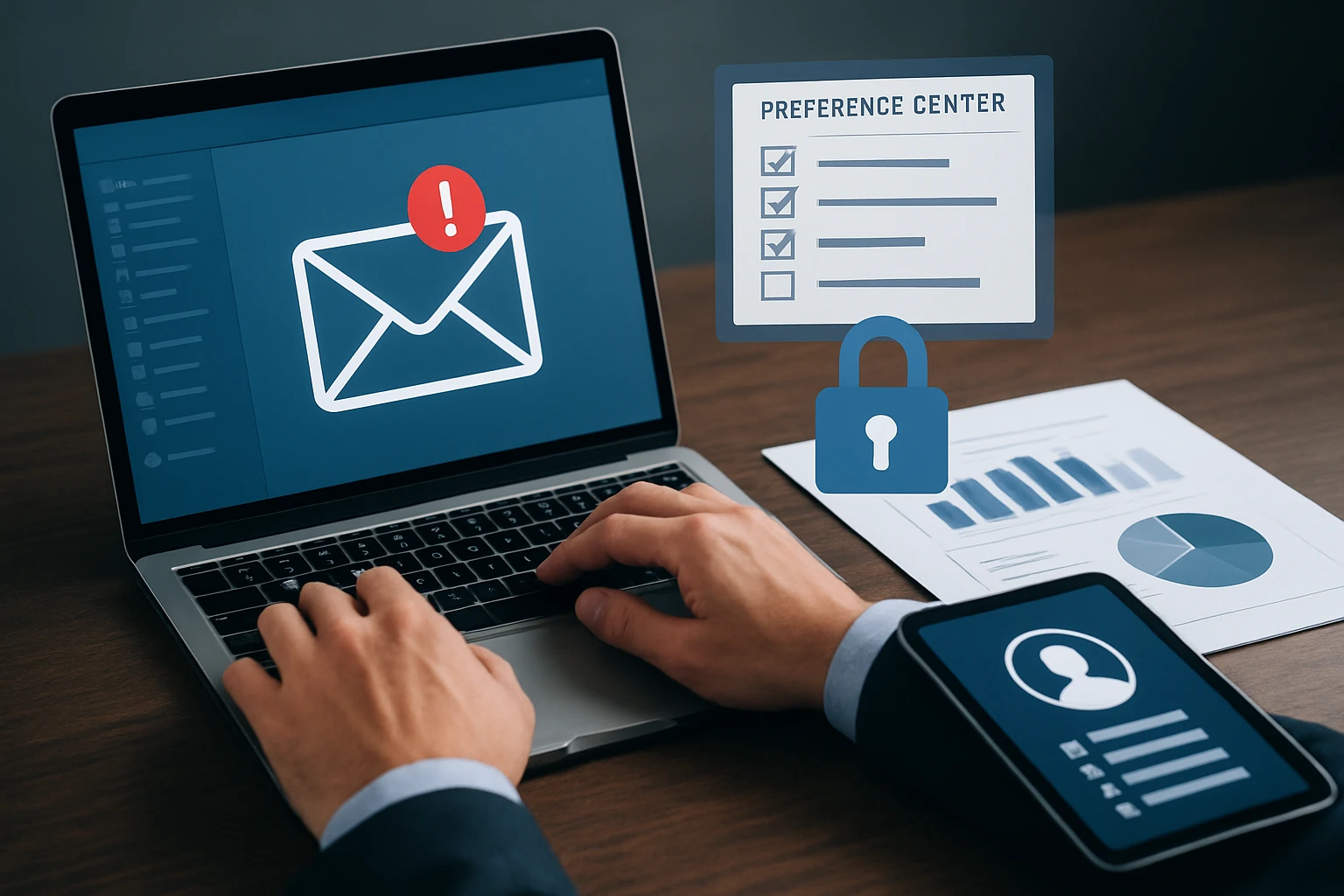
The most durable segments usually combine demographics, behavior, and stated preferences. That is common marketing practice for a reason. If subscribers tell you they want product updates monthly, case studies weekly, or only articles on technical SEO, believe them. A preference center often outperforms clever inference because it starts with explicit permission.
For publishers, this can mean letting readers choose topics like AI search, analytics, ecommerce, or content strategy. For ecommerce, it can mean category interest, size, frequency, or price band. You do not need a 20-field form. You need a useful one.
Use progressive profiling to enrich segments over time
Progressive profiling lets you learn more without front-loading friction. Ask for email at signup. Ask for topic interest after the first click. Ask for role, company size, or content priority after a second conversion. Over time, you build a richer profile that is still based on actual consent and behavior.
HubSpot’s broader emphasis on data, analytics, and workflow fit supports this approach. Segmentation works best when customer data is usable, current, and connected to the way your team actually runs campaigns.
Keep lists clean so personalization stays relevant
Consent-led segmentation is not just about collection. It is also about maintenance. Remove dead weight, suppress long-term inactivity when appropriate, and revisit frequency preferences before engagement falls apart. Salesforce’s core point still applies: strong segmentation helps you target the right people with the right content. Stale records break that promise.
The best segment is the one subscribers help define.
| Trend | Summary | Best for | Watch out for |
|---|---|---|---|
| #7 First-party and consent-led segmentation | Builds segments from stated preferences, behavior, and progressive profile data | Teams that want durable targeting without heavy guesswork | Collecting preferences once and never updating them |
How to choose the right option for your team
Match the trend to your data maturity
If your data is thin, start with simpler wins. Preference centers, basic lifecycle triggers, and clean audience rules can transform performance without complex scoring. If your event data is strong — product views, repeat visits, purchase history, trial milestones — then AI-assisted scoring and segment-level testing become realistic next steps.
HubSpot’s content structure places Data & Analytics alongside Smart CRM and Marketing Automation, which is a useful clue. Better segmentation depends on usable data, not just ambition.
Match the trend to your resources and workflow
Emplibot emphasizes time and resource efficiency as part of email automation’s value, and that should shape your rollout. A two-person team should not start with a 14-branch journey map. Start with the biggest repetitive pain point: welcome nurture, abandoned cart, renewal reminders, or stale-list cleanup.
One well-run flow beats five half-built ones. If your campaign calendar already slips every Friday, choose the trend that removes effort first. Scale comes from repeatability.
Match the trend to your platform ecosystem
Your platform set matters. Litmus lists integrations with tools like HubSpot, Klaviyo, Mailchimp, Oracle Eloqua, Oracle Responsys, and Salesforce Marketing Cloud, and that is a reminder to design around ecosystem fit. A commerce-heavy brand may prioritize product feeds and cart events. A B2B team may care more about CRM stage, lead scoring, and sales handoff.
Start with the trend that removes your biggest bottleneck, not the one with the flashiest label.
| If your bottleneck is... | Start with... | Why this fits |
|---|---|---|
| Generic sends and weak relevance | #7 First-party preferences | You can improve targeting fast without complex infrastructure |
| Manual campaign setup every week | #2 Trigger-based lifecycle automation | It replaces repetitive batch work with always-on flows |
| Good traffic data but shallow targeting | #1 AI-assisted segmentation | You already have signals that can support smarter grouping |
| Campaign results feel noisy or inconsistent | #4 Segment-level testing | You learn which audience slice actually drives conversion |
| Disconnected systems and awkward handoffs | #6 ESP/CRM integration | Shared contact data prevents stale or contradictory messaging |
| Long buyer journeys across teams | #5 Multi-channel orchestration | It aligns email with CRM, site, and lifecycle actions |
2026 email growth comes from tighter segments, smarter triggers, and a stack that shares clean data.
If you treat email automation and segmentation in digital marketing as one operating system, you send fewer wasted messages and create more useful moments. Which trend would remove the most friction from your program right now?
Plan AI Visibility With SEOPro AI
LLM SEO tools for ChatGPT, Gemini, and other agents pair with automated publishing, clustering, schema, and monitoring workflows to grow organic traffic and AI mentions.
See Platform