What Is the Best Hide Google AI Overviews Extension?
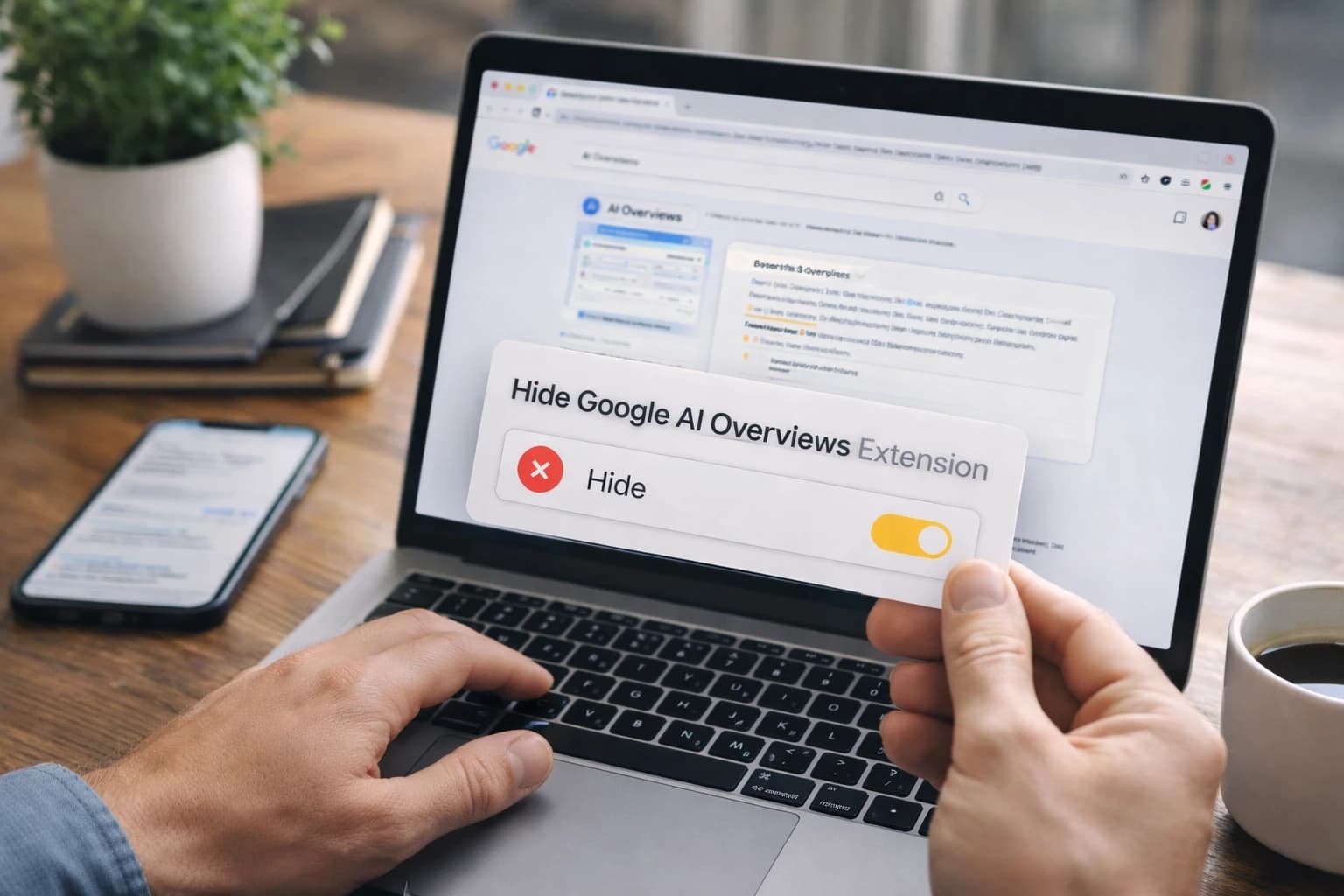
Monday, 8:07 a.m. You search a client keyword to check ranking shifts, and the first thing on the page is a gray AI summary sitting above the blue links you actually need to review.
If you audit search performance for brands, publishers, or SaaS teams, that extra box changes the rhythm of your work. A hide google ai overviews extension strips that block out of view so you can scan the SERP faster, compare organic results more cleanly, and get back to the classic results-first layout many teams still prefer.
That does not mean you are changing Google itself. You are changing what your browser or device displays — a small distinction, but the one that matters when you are choosing a tool, reading reviews, or explaining the setup to a client.
What is a hide Google AI Overviews extension?
What it removes from the results page
Watch This Helpful Video
To help you better understand hide google ai overviews extension, we've included this informative video from GuideRealm. It provides valuable insights and visual demonstrations that complement the written content.
At its simplest, it is a browser extension or app-based add-on that hides Google’s AI Overview block from search results. The Chrome Web Store description says the extension removes AI-generated overviews from Google search results to create a cleaner, streamlined interface. The App Store listing uses nearly the same promise, saying its app hides the AI Overview section in Google search results.
On a working install, you still see Google’s regular listings, ads, snippets, and other page elements. What disappears is the large AI summary panel that otherwise occupies the top of the page for some queries.
Who this tool is for
This kind of tool makes the most sense if you spend hours inside search results: SEO managers checking brand queries, editors reviewing article competitors, agency teams auditing featured snippets, or in-house growth leads comparing top 10 pages across dozens of terms. If you run 30 or 50 searches in a morning, even a few seconds of extra visual sorting per query adds up fast.
It is also useful when you want a consistent review surface. A publisher comparing rankings across finance, travel, and health topics often wants the same organic-first view every time — not a page where a large AI module changes the starting point of the analysis.
How it differs from changing Google itself
A hide google ai overviews extension works on your side of the screen. It does not alter Google’s ranking system, remove the feature from Google’s servers, or change what another user sees on a different machine. One reason the desktop Chrome option stands out is transparency: the listing says the project is open source and links to its GitHub repository, so you can inspect how it behaves.
This is a visibility tool, not a change to Google’s ranking system.
Which hide Google AI Overviews extension is best?
Best for desktop Google searches
For most desktop Chrome users, the strongest current fit is the Chrome Web Store tool called “Hide Google AI Overviews.” The reason is practical, not romantic: it has a larger public review base, a decent score, a small footprint, and an open-source code base. The listing shows 1.2K ratings with a 4.1/5 score, which gives you far more signal than a tool with only a few dozen reviews.
If your daily workflow lives in Chrome on a MacBook, Windows laptop, or agency workstation, that is the option I would test first. It is built for the exact environment where most SERP auditing happens.
Best for iPhone and iPad users
If you search on Apple devices, the better fit is the App Store app “AI Overview Hider for Google.” The App Store listing shows 24 ratings with a 3.8/5 score and a price of $0.99. It also says the app supports both desktop and mobile versions of Google search and is charted at #60 in Productivity.
The headline here is not that it beats the Chrome extension on raw reputation. It fills a different gap. If you review mobile search results from an iPhone or iPad, or you want an Apple-side solution, that matters more than a straight ratings comparison.
What ratings and pricing suggest
Ratings tell you confidence level, not destiny. A 4.1/5 score from 1.2K ratings suggests the Chrome option has been tested by many more users. A 3.8/5 score from 24 ratings tells you the App Store app may work well for a narrower audience, but the sample is much smaller. The $0.99 price is low, though, which lowers the risk if mobile support is your priority.
| Tool | Best Fit | Current Signals | Trade-Offs |
|---|---|---|---|
| Hide Google AI Overviews | Desktop Chrome searches | 1.2K ratings, 4.1/5, open source | Best evidence is Chrome-centric |
| AI Overview Hider for Google | iPhone, iPad, and Apple users who want mobile coverage | 24 ratings, 3.8/5, $0.99, #60 in Productivity, supports desktop and mobile versions of Google | Smaller review base, paid, some reported glitches |
Best does not always mean highest-rated; it means the tool that matches your browser, device, and workflow.
Why does hiding AI Overviews matter?
Why search pages feel cluttered

If you only search casually, the extra module may be a mild annoyance. If you review SERPs as part of your job, it is different. The Chrome Web Store description directly says some users do not appreciate AI-powered summaries because they can clutter search results. That lines up with what many SEO teams experience: the eye lands on a large block first, then has to work around it to assess the organic field.
Think about a content gap review for “best CRM for nonprofits” or “B2B onboarding checklist.” You are not on Google to read a summary. You are there to compare pages, snippets, domains, and intent patterns quickly.
Why teams want the older SERP layout
Classic organic-first pages are easier to scan. You can spot ranking changes faster, compare title tags side by side, and verify whether a client gained or lost visibility against competitors like HubSpot, NerdWallet, or Reddit threads. A stripped-down results page also makes screenshots cleaner when you send updates to a Slack channel or a Monday morning client note.
For research-heavy roles, the older layout reduces noise. That is why some teams keep one browser “clean” for audits and another for general browsing — a simple split that mirrors how analysts have long handled personalization, location testing, and extensions.
Why Google’s own controls are limited
The appeal of these tools also comes from the lack of a simple built-in toggle. The App Store description frames the app as useful because Google will not give users this option themselves. It also references Google’s “Generative AI is experimental” disclaimer appearing below the fold, which is a sharp reminder of the gap between what the feature is and what many users want from a routine search page.
If your team audits SERPs for rankings, snippets, or content gaps, a cleaner results page saves time.
How does a hide Google AI Overviews extension work?
What the extension is actually doing
In most cases, the tool waits for the Google results page to load, looks for the page section that contains the AI Overview module, and then hides or removes that section from the visible page. That is a front-end behavior. It is closer to rearranging the furniture in your view than remodeling the house.
The store descriptions support that plain reading. The Chrome listing says it removes AI-generated overviews from Google search results. It does not say it disables the feature inside Google’s systems, and that distinction explains most of the practical limits.
What users still see after install
After install, you usually still see standard blue links, ads, “People also ask,” knowledge panels, site links, snippets, and the rest of Google’s normal results furniture. The page simply looks closer to a pre-AI search result for queries where the overview would have appeared.
Platform coverage varies. The App Store listing says its app supports both desktop and mobile versions of Google and should work in most display languages, which is useful if your team switches between English and other interfaces during international checks.
Where glitches or edge cases can appear
Because these tools react to page elements, odd behavior can show up when Google changes the layout or when adjacent modules are tied together. One App Store review says an update also removed AI-generated responses tied to drop-down “People also ask” questions, but that the behavior could be glitchy: the AI response might show briefly, then the question disappears altogether.
You may also see a brief flash of the AI box before it vanishes. That is normal for a tool acting after page load. It is not elegant, but it is predictable.
Do not confuse hiding the module with turning off Google AI — the feature is usually controlled at the page layer, not by a backend switch you can access.
What should you check before installing one?
Open-source and privacy signals
Start with trust. The Chrome Web Store listing says the project is open source and that the developer declares user data is not sold to third parties and not used for purposes unrelated to the item’s core functionality. For a tiny tool that changes a search page, that kind of restraint matters. You do not need broad permissions or vague data claims for this job.
If a listing hides basic details, move on. Search-page tools should be simple, specific, and easy to explain to a security-conscious client or IT team.
Price, platform, and language support
Then check whether the tool actually fits your device. The Chrome option is a lightweight extension; the listing shows version 1.6.6, updated April 27, 2026, and a size of 16.85 KiB. The App Store option costs $0.99, carries an age rating of 4+, and has a size of 573.4 KB. Those numbers are not deal-breakers on their own, but they tell you the tools were built for very different ecosystems.
Language coverage matters too. The App Store listing says it should work in most display languages. If your team audits queries across U.S. English, French Canadian, and German interfaces, test that claim before rolling it out widely.
Update cadence and device compatibility
Fresh updates are a real signal because Google changes result layouts often. A current version number and recent update date suggest the developer is still responding to page changes. On mobile, compatibility can be just as important as freshness. One App Store review says the app needed the latest iPhone version to work properly, which is a useful warning for older devices or managed company phones.
| Check Before Install | Chrome Extension Signal | Apple App Signal | Why It Matters |
|---|---|---|---|
| Transparency | Open source with a linked GitHub repo | No code repo mentioned in the excerpt | You can better judge trust and maintenance |
| Privacy | Developer states data is not sold to third parties or used for unrelated purposes | No equivalent privacy detail appears in the excerpt | Good fit for agency or enterprise review |
| Update history | Version 1.6.6, updated April 27, 2026 | Review notes latest iPhone version may be required | Google page changes can break UI-based tools |
| Cost and size | 16.85 KiB | $0.99 and 573.4 KB | Helps you compare friction and deployment fit |
- Confirm the browser or device you use most.
- Read the latest reviews for breakage after Google changes.
- Prefer clear privacy claims over vague convenience promises.
If a tool does not clearly state platform support, update history, and privacy terms, skip it.
What are the common questions about hide Google AI Overviews extensions?
Can I remove AI Overviews without an extension?
Not reliably. You may notice that some searches, accounts, browsers, or regions show the AI Overview less often, but that is not the same as control. Based on the store listings and forum discussion, the dependable route is still a browser or app-based tool that hides the module on your side.
If you need repeatable conditions for weekly rank checks, manual workarounds are weak. A repeatable setup beats a lucky query variation every time.
Why does it appear in one browser but not another?
Browser differences are real. In an Opera forum thread, one user reported seeing Google AI Overviews in Opera but not in Chrome or Firefox for the same behavior they were testing. A moderator replied that if you are using Google to search, that already explains why the overview is displayed — a blunt but fair reminder that Google controls the feature itself.
In practice, results can differ by browser, account state, experiments, region, or how quickly each browser renders the page. That is why you should test any extension in the exact browser your team uses for audit work, whether that is Chrome on Windows 11 or Safari on an iPad.
Is there an official Google setting?
From the evidence in these listings, no simple official off switch is the point. The App Store description explicitly frames the app as necessary because Google will not provide that option itself. If Google adds a universal toggle later, that would change the conversation. Right now, these tools exist precisely because many users want a control Google has not exposed.
If the behavior changes by browser, test the tool in the exact browser your team uses most.
A hide google ai overviews extension gives you a cleaner SERP, not a different Google.
For most desktop users, the open-source Chrome option is the safest first test. If your work happens on iPhone or iPad, the App Store app fills the mobile gap.
Pick based on platform fit, review depth, privacy signals, and recent updates — then run your own searches. When you audit your next keyword, which view helps you make the sharper call?
Build Faster Organic Reach With SEOPro AI
SEOPro AI pairs an AI blog writer for automated content creation with publishing, schema, clustering, and monitoring so teams expand traffic and earn AI mentions.
Scale Content