Ultimate Google AI Overviews API Guide
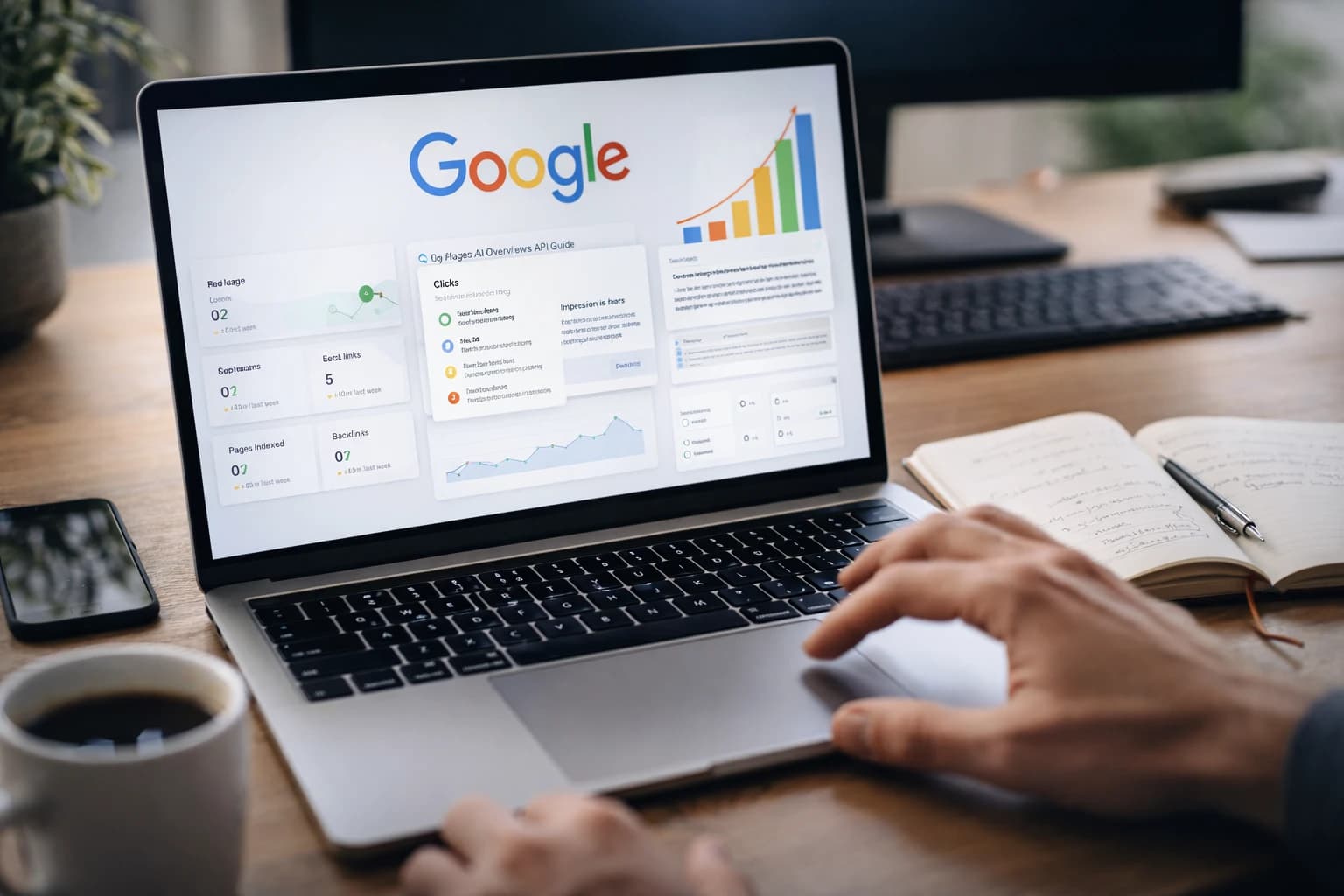
At 9:12 a.m., a search analyst refreshed a results page for a software query and watched the layout settle in stages. Blue links arrived first. Then the answer block appeared above them a moment later, pushing everything down. The visible click path changed right there on the screen.
That small delay explains why the phrase google ai overviews api keeps coming up in SEO and growth meetings. You are not just trying to fetch rankings. You are trying to capture a late-rendering SERP feature that can reshape what a searcher sees first, what gets scrolled past, and what earns the next click.
If you treat AI Overviews like a stable feed, your benchmark will drift fast. If you treat them like a volatile rendered module, your data gets cleaner. That difference matters because Pew Research Center reported that 18% of Google searches in March 2025 produced an AI summary, and click behavior changed when people saw one.
Fundamentals: What the Google AI Overviews API Is Actually For
What AI Overviews are in the search results page
Watch This Helpful Video
To help you better understand google ai overviews api, we've included this informative video from Google Cloud Tech. It provides valuable insights and visual demonstrations that complement the written content.
AI Overviews are answer modules that can appear within Google search results, often above the first organic listing and alongside other familiar features. Think of them as a generated synthesis layer inside the SERP, not a separate destination. For an SEO team, that means the page is no longer just “ten blue links plus extras.” The answer experience itself becomes part of the ranking environment.
Nimble describes AI Overviews as dynamic. They can change based on query context, meaning, and user metadata. That is the first expectation to set with stakeholders. A query like “best running shoes” can behave differently from “best running shoes for flat feet,” and the same query can still render differently depending on location, language, or other context.
What an API can capture versus what it cannot guarantee
Most teams use the phrase “google ai overviews api” as shorthand for a search API or SERP capture workflow that can return the rendered overview module. That distinction matters. You are sampling a live search result, not subscribing to a calm database table.
AI Overviews may require JavaScript rendering before they appear in the HTML your tooling can see. In practice, that means your first engineering problem is often browser behavior, not parsing. If the page has not rendered the module yet, your pipeline cannot extract what does not exist on the screen.
Treat AI Overview capture as a rendering problem first and a data problem second.
| What You Can Capture | What You Cannot Guarantee |
|---|---|
| A timestamped snapshot showing whether an overview appeared | That the same query will show an overview for every user or every run |
| The rendered text, links, and placement visible at capture time | That wording, citations, or ordering will match the next capture exactly |
| The overview’s relationship to other SERP features on that page | That its position will remain stable across devices, locales, or freshness states |
| Parsed fields from a vendor’s structured response | That different vendors will model the feature in the same schema |
Where AI Overviews sit alongside other SERP features
AI Overviews do not replace the rest of the SERP. They sit beside a crowded set of features you already track: Answer Box, Knowledge Graph, Top Stories, People Also Ask, sponsored results, and organic listings. That is why your measurement plan should include the whole results page, not just the overview in isolation.
SerpApi’s documentation is useful here because it lists AI Overview as part of its Google Search API feature set while also listing separate Google AI Mode API and Google Gemini API products. That is not a contradiction. It is a reminder that the market slices this terrain in different ways: some tools expose AI Overview as one feature inside a larger SERP response, while others package adjacent AI search products separately.
- If you need visual SERP context, track AI Overviews alongside organic results and other modules.
- If you need answer extraction only, compare how each vendor structures the overview fields.
- If you need governance, ask how the tool records query settings, timing, and render state.
How It Works: Rendering, Waiting, Caching, and Variability
Why timing matters when the SERP loads
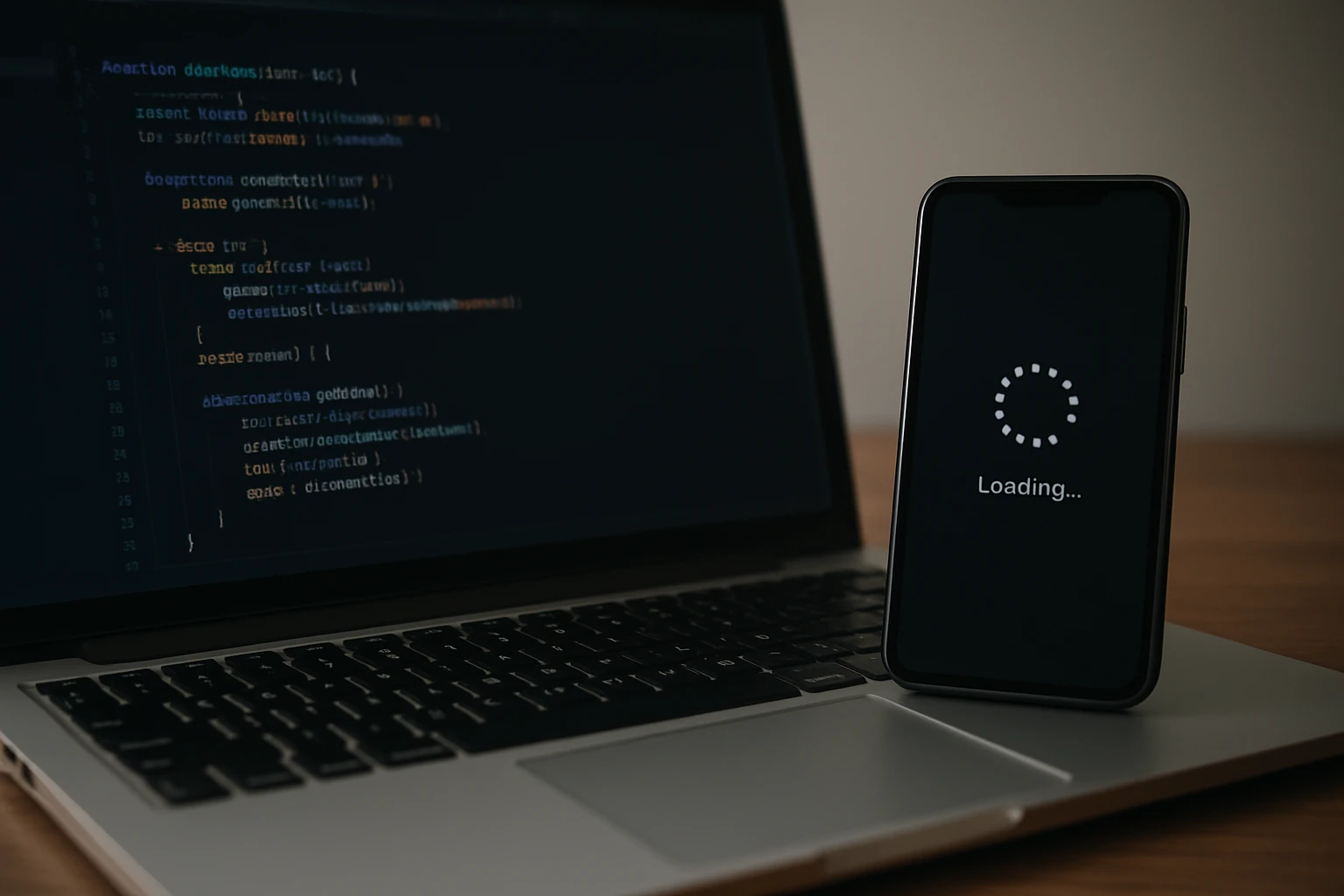
AI Overviews can load after the rest of the search page. That single behavior causes a surprising share of failed captures. A scraper that grabs the page the instant it receives initial HTML can report “no overview” even when a human user sees one a moment later.
We see this most clearly on live audits. You run a query like “best CRM for field sales,” compare a raw fetch with a rendered browser session, and the second view contains a module the first one missed. The issue was not relevance. The issue was timing.
How waiting parameters change what gets returned
Some search APIs now expose waiting controls for exactly this reason. Massive says its Search endpoint supports awaiting=ai, which waits up to one minute for Google’s AI Overview before returning results. The same endpoint can wait for People Also Ask with awaiting=answers and sponsored results with awaiting=ads. You can repeat the key when you want several delayed modules in the same request.
That changes how you should think about request design. Instead of treating a search call as a simple fetch, treat it as a controlled render session with explicit conditions.
- Set the query, location, language, and device conditions you want to test.
- Tell the endpoint what delayed modules matter for the job at hand.
- Wait long enough for those modules to appear.
- Store both the feature output and the request conditions that produced it.
If the overview is missing, the first question is usually timing, not relevance.
Why cache freshness matters for volatile queries
Massive also notes that results are cached for one day by default, and expiration=0 forces a fresh search. That sounds like a small operational setting. It is not. For AI Overview work, freshness controls shape whether you are measuring live volatility or replaying yesterday’s state.
Nimble’s description of AI Overviews as dynamic, context-sensitive, and influenced by user metadata makes cache strategy even more important. A cached response may be useful for regression testing, vendor comparison, or debugging. A fresh response is better when you are validating whether a market shift or content update changed what users actually see.
| Query Type | Better Cache Stance | Why |
|---|---|---|
| News-driven or fast-changing queries | Fresh search | Overview presence and citations may shift quickly |
| Weekly benchmarking on a fixed panel | Mix cached and fresh runs | You need consistency for trend lines and freshness for reality checks |
| Vendor QA and parser debugging | Cached replay | Repeated runs on the same state simplify troubleshooting |
Best Practices: How SEO Teams Should Use the API Without Misreading the Data
Use repeatable query sets and stable location/language settings
If you want signal instead of noise, start with a repeatable query set. Build a panel that reflects your business: branded queries, high-intent commercial terms, informational topics, and comparison phrases. A SaaS team might track “project management software,” “Asana alternatives,” and “how to build a sprint roadmap.” A publisher might track recipe, health, or travel queries by section.
Then lock your testing conditions. Pick the country, language, and where possible the city and device type. If Monday’s run is en-US desktop in Chicago and Friday’s run is en-GB mobile in London, you did not run the same benchmark twice. You ran two different experiments.
- Store query text exactly as entered.
- Pin location and language values on every run.
- Record device assumptions if the API exposes them.
- Label whether the result came from cache or from a fresh request.
Sample multiple times before declaring a pattern
A single snapshot makes a good screenshot for Slack. It does not make a reliable benchmark. Because AI Overviews are dynamic, the same query may not produce identical output every time. Run repeated samples before you announce that a query “now has” or “no longer has” an overview.
A practical cadence works better than a heroic one. For a core query set, sample at multiple times of day for several days, then compare presence rate, placement, cited domains, and nearby SERP features. If you need to isolate true volatility, pair a fresh run with a cached control on the same term. That gives you a cleaner read on whether the SERP changed or your toolchain did.
| Sampling Layer | What To Compare | Why It Helps |
|---|---|---|
| Same day, different times | Presence and layout shifts | Catches render and recency variation |
| Same query, fresh vs cached | Live volatility vs stable replay | Separates SERP change from tooling noise |
| Same intent across locales | Different overview behavior by market | Prevents overgeneralizing from one country |
Pair AI Overview data with click and ranking context
Presence alone does not tell you the business impact. Pew Research Center found that 18% of Google searches in March 2025 produced an AI summary. In its study of 900 U.S. adults’ browsing that month, users who saw an AI summary clicked a traditional result in 8% of visits, compared with 15% for searches without one. Users clicked a link inside the summary in just 1% of visits.
| Condition | Traditional Result Click Rate | Click Rate on Summary Links |
|---|---|---|
| Searches with an AI summary | 8% | 1% |
| Searches without an AI summary | 15% | Not applicable |
Those numbers should reset how you report this feature. If a page still ranks in position two but now sits below an AI Overview, a People Also Ask box, and sponsored results, your effective visibility changed even if the nominal rank barely moved. Pair overview capture with ranking data, CTR trends, and page-level performance so you can explain what the page actually lost — or gained — in the user’s line of sight.
Don’t judge visibility by presence alone; judge it by how the SERP changes behavior.
Common Mistakes: What Breaks AI Overview Workflows Most Often
Scraping too early and missing the rendered module

This is the most common failure mode, and it creates false negatives. AI Overviews can load after the rest of the results page, so a fetch that ends too early may miss the module entirely. Teams then build dashboards on top of incomplete captures and wonder why manual spot checks keep disagreeing with automation.
Your fix is procedural. Compare the API response with a human-observed browser session on the same query and settings. If the overview appears manually but not in your pipeline, inspect wait settings, render timing, and whether the tool returns parsed fields, rendered HTML, or both.
Assuming one snapshot represents every user
Nimble’s description of AI Overviews should make you cautious here: the feature can change with context, meaning, and user metadata. That means a single capture is a record of one SERP state, not a universal truth about the query. When teams forget that, they create false confidence.
Picture two analysts testing “best budget laptops” on the same day. One runs en-US results from Austin. The other runs en-GB results from Manchester. Even before personalization enters the conversation, those are different contexts with different result pressures. If the overview differs, that is not a bug. It may be the expected outcome.
Ignoring locale, device, and query-intent differences
Different intents produce different SERP layouts. Informational queries such as “how to reset iPhone 14” often behave differently from direct commercial queries like “buy iPhone 14 case.” Locale and device stack another layer on top. A benchmark that collapses all of that into one number will mislead you.
Store the metadata that lets you segment later: market, language, device, query intent, fresh versus cached state, and date. Then compare like with like. You will make fewer bad decisions, and you will spend less time arguing over screenshots in Notion or Slack.
A missing overview is often a capture failure, not proof that Google did not show one.
Tools and Resources: What to Compare Before You Choose an API Workflow
Search APIs versus general-purpose SERP scrapers
Not every capture stack serves the same job. A search API designed around SERP features will usually expose structured outputs, locale controls, and freshness settings more directly. A general-purpose scraper may give you raw flexibility, but you may need to build your own waiting logic, parser maintenance, and QA routines around it.
SerpApi’s documentation illustrates the feature-first approach well. Its product pages list AI Overview alongside other SERP elements such as Answer Box, Knowledge Graph, Top Stories, and Organic Results. The same navigation also lists separate Google AI Mode API and Google Gemini API products. That tells you the vendor expects users to choose between whole-SERP capture and adjacent AI-specific products based on the workflow.
| Evaluation Point | Search API Focused on SERP Features | General-Purpose Scraper |
|---|---|---|
| Structured overview fields | Usually built in | Often custom work |
| Wait controls for delayed modules | Frequently documented | Usually your responsibility |
| Locale and language parameters | Common | Possible, but often manual |
| Cache and freshness settings | Often exposed as parameters | Depends on your infrastructure |
| Maintenance burden | Lower day to day | Higher, especially when SERP markup shifts |
What to look for in docs, rendering, and freshness controls
Read the docs like an operator, not a buyer. Can the tool explain how it waits for AI Overviews to render? Does it let you specify locale and language cleanly? Can you force a fresh search, or are you stuck with a fixed cache window? Can you tell when the API returned a parsed feature versus a rendered page fragment?
Nimble highlights another angle that matters in larger teams: auditability. It describes an auditable Search Plan approach that shows exactly what was searched, where, and why. Nimble also says its platform cuts token costs by retrieving exactly what is needed instead of parsing raw pages with an LLM. If your downstream system summarizes or classifies SERPs at scale, those two traits — traceability and lean retrieval — are worth serious weight.
How to build a validation checklist for production use
Before you trust any workflow, validate it against real SERP behavior. Do this once at the start, then repeat it when vendors change parsers or Google changes page rendering.
- Pick 10 to 20 representative queries across your main intents and markets.
- Run each query with stable settings and compare the response with a manual browser check.
- Test fresh and cached states separately so you understand the effect of cache controls.
- Record null cases, partial renders, and delayed modules instead of discarding them.
- Store raw output alongside parsed fields for later debugging.
- Review cited domains and module placement, not just presence or absence.
Choose tooling based on the job you actually have. A newsroom tracking volatile queries may prize freshness. An agency reporting across 12 markets may prize audit trails. A platform team running thousands of checks may prize scale and clean response structure. You rarely get capture fidelity, auditability, and scale in equal measure without trade-offs.
Choose tooling based on whether you need capture fidelity, auditability, or scale — rarely all three equally.
Reliable AI Overview tracking is less about finding a magical endpoint and more about building disciplined measurement.
If you treat the google ai overviews api as a volatile visibility signal instead of a neat database, your benchmarks will stay honest and your SEO decisions will get sharper. Which query set will you test first — and how will you prove that what you captured matches what searchers actually saw?
Scale Search Wins With SEOPro AI
SEOPro AI pairs an AI blog writer with automated publishing, semantic tuning, hidden prompts, and monitoring so teams can grow organic traffic and earn LLM mentions.
Start Organic Growth