The SEO Audit Checklist

At 8:43 on Monday, your growth team opens the audit spreadsheet, pulls up Google Search Console, and starts ticking through the SEO audit checklist against the seven pages that slipped out of Google’s index over the weekend.
No one wants that meeting to begin with guesswork. You need to know what broke, who fixes it, and what matters first. A useful process frames the work as a complete set of checks across the site — broad enough to cover the real site, tight enough to keep the audit from dissolving into noise.
That is the point of a good process. It turns a pile of symptoms into an ordered repair plan.
Set the Rules Before You Start
Define the audit scope up front
Watch This Helpful Video
To help you better understand SEO audit checklist, we've included this informative video from Semrush. It provides valuable insights and visual demonstrations that complement the written content.
Decide what you are auditing before you inspect a single URL. Audit the whole domain, a subfolder like /blog/, a template set like product pages, or a recent migration. Those are different jobs.
On a 5,000-page SaaS site, a content refresh audit might focus on the top 50 landing pages from GA4. On a Shopify store with 80,000 URLs, you may need to center the work on collection pages, product variants, canonicals, and faceted navigation. If you do not set boundaries first, every issue looks equally urgent and the audit balloons by lunch.
- Define the surface area: domain, subdomain, subfolder, template type, or market.
- State the goal: recover lost traffic, prepare for a migration, improve Core Web Vitals, or clean up indexing.
- Set the sample size: all URLs, top revenue pages, newly launched pages, or a crawl sample.
- Write down what is explicitly out of scope so the team does not improvise later.
Assign one owner to every fix
Do not let findings float between teams. A good audit process calls out something many teams skip: each item should name who usually fixes it — developer, writer or editor, or the SEO owner. That single habit saves weeks.
I like to assign one accountable owner even when several people touch the work. “Engineering” is not an owner. “Content” is not an owner. A named person is.
| Issue Area | Primary Owner | What Done Looks Like |
|---|---|---|
| Robots, canonicals, redirects | Developer | Correct directives live on production and verified in crawl |
| Titles, H1s, thin copy | Writer or editor | Updated page copy published and intent aligned |
| Internal links, orphan pages | SEO owner | Target pages linked from relevant hub and supporting pages |
| Schema implementation | Developer with SEO review | Valid markup detected and eligible for rich result testing |
Rank high-impact issues before you begin
Build priority into the process. Each item should be rated high, medium, or low before the work starts, and that is exactly right. High-impact issues can stop pages from ranking or being indexed. Medium issues hold pages back or waste crawl budget. Low issues matter, but only after the blockers are out of the way.
If a template accidentally ships with noindex, stop there. Do not spend two hours wordsmithing title tags for pages Google cannot keep.
If a fix has no owner and no priority, it is not ready to be audited.
Pre-Work SEO Audit Checklist
Confirm the site type and audit scope
Match the work to the site in front of you. A local plumber in Manchester does not need the same audit path as a publisher with 400,000 archived articles or an ecommerce catalog with variant-heavy product URLs.
That sounds obvious. It gets missed all the time. Site type changes the weight you give to local signals, faceted navigation, schema, index management, and content freshness.
- For local businesses, inspect location pages, NAP consistency, and Google Business Profile alignment.
- For publishers, inspect archive depth, pagination, article schema, and stale content clusters.
- For SaaS brands, inspect solution pages, docs, changelogs, and internal links from educational content to commercial pages.
- For ecommerce, inspect product availability, variant canonicals, filters, and Product schema.
Collect the reports you will need
A process organizes the work, but it does not fetch evidence for you. The list is not a scanner. That distinction matters. Pull your data first so you can prove every finding.
For most audits, I gather a crawl from Screaming Frog, coverage and URL inspection data from Google Search Console, landing page and conversion data from GA4, sitemap files, server response samples, and structured data checks from Google’s Rich Results Test. If speed is in scope, I add PageSpeed Insights and template-level field data when available.
| Report | Why You Need It | Minimum Source |
|---|---|---|
| Indexing and coverage | Shows excluded, crawled, discovered, and indexed states | Google Search Console |
| Full crawl | Finds status codes, canonicals, titles, depth, and orphans | Screaming Frog or equivalent |
| Performance and page value | Shows which URLs matter most to traffic and revenue | GA4 or analytics platform |
| Structured data | Validates eligibility and markup errors | Rich Results Test |
Use the work plan, not the data source
Treat the SEO audit checklist as the operating sheet, not the evidence itself. A good workflow notes that progress can be saved in the browser, used free with no signup, and exported as CSV or printed. Those are useful workflow features. They are not validation.
Use browser-saved progress for continuity. Use CSV or printouts for handoff, QA, and offline review with engineering or editorial. Just do not confuse a checked box with a confirmed fix.
A checklist organizes the audit; it does not replace the site data you need to validate it.
Execution Checklist
Check crawl and indexing first

Start with the doors. If Googlebot cannot crawl the page or is told not to index it, the rest of the audit can wait. High-impact failures here can stop visibility cold.
Open robots.txt. Compare the XML sitemap against canonical URLs. Inspect response codes. Look for noindex, bad canonicals, redirect chains, blocked resources, and orphaned URLs that never make it into the internal link graph. On WordPress sites, I have seen a single staging setting spill onto production after a rushed Friday deploy. One line. Hundreds of pages affected.
- Confirm important pages return 200 status codes.
- Check that canonical tags point to the correct preferred URLs.
- Make sure indexable pages appear in the XML sitemap.
- Inspect excluded URLs in Search Console for patterns, not isolated cases.
- Test a sample of recently changed pages with URL Inspection.
Review on-page basics and content
Once crawlability and indexability are stable, move to on-page basics and content. Separating those into distinct areas is sensible: one set of issues affects page targeting, the other affects page value.
Review titles, H1s, meta descriptions, duplicate intent, thin sections, stale facts, and pages that target the same query with no clear primary URL. On a B2B blog, two articles about “customer onboarding software” may both look decent in isolation. Together, they can cannibalize each other and split links, impressions, and anchor text.
- Match each page to one main intent and one clear supporting intent.
- Rewrite titles that bury the primary topic or duplicate other pages.
- Consolidate pages that compete for the same query with no distinct angle.
- Update stale statistics, examples, screenshots, and publication dates where appropriate.
- Make sure commercial pages explain why your offer is different, not just what it is.
Map internal links and structured data
Then map discovery and understanding. Internal links help search engines find pages, estimate their relative importance, and connect topics. Structured data helps clarify entities, content type, and rich result eligibility. Structured data is a separate audit area, not a nice-to-have extra. That is the right call.
Look at click depth, orphan pages, anchor text, and whether your strongest pages actually point to the URLs you want to rank. Then validate schema at the template level: Article for editorial pages, Product for ecommerce, Breadcrumb for navigation, Organization for site identity, and LocalBusiness where local relevance matters.
| Area | Ask This First | Evidence | Fix First When |
|---|---|---|---|
| Internal links | Can a crawler and a user reach the page naturally? | Crawl depth, inlinks, nav paths | Important pages are orphaned or buried deep |
| Anchor text | Do links describe the destination clearly? | Inlink export and page context | Generic anchors dominate key pages |
| Schema | Does markup match the real page content? | Rich Results Test, source code | Templates emit errors or irrelevant types |
Fix anything that blocks indexing before you spend time polishing titles, copy, or links.
Validation Checklist
Verify every fix the same way it was found
Use symmetrical verification. If a crawl found the problem, rerun the crawl. If Search Console exposed it, recheck Search Console after Google has had time to recrawl. If PageSpeed Insights showed the failure, test the same template again after deployment.
This sounds strict. It should be. Every item should say how to verify it and what done looks like. That discipline is what makes an audit reusable instead of anecdotal.
- Retest the same sample URLs you used to identify the issue.
- Document the before state and the after state with the same tool.
- Wait for propagation when necessary — indexing and rich result changes rarely confirm instantly.
- Flag anything partially fixed so it does not disappear into “done.”
Mark what done looks like
Write acceptance criteria in plain language. “Improve schema” is vague. “Product pages emit valid Product schema with price, availability, and canonical URL on all live templates” is testable.
A few examples help. For indexing: “All core category pages return 200, self-canonicalize, and appear in the XML sitemap.” For internal links: “Each pillar page has at least five contextual inlinks from relevant supporting articles.” For content: “The merged article now targets one query family and inherits the stronger backlinks.”
- Define the success condition before the fix ships.
- Use template-level rules where possible so one release solves many URLs.
- Record exceptions, such as seasonal pages or legal constraints.
Save, export, or print the audit trail
Keep a trail someone else can follow. Progress can be saved in the browser and resumed later, then exported as CSV or printed. That is practical, especially when you need a clean handoff to a dev lead, an editor, or a QA analyst.
In real teams, I attach the export to a Jira ticket or a shared drive folder, add the audit date, list the sample URLs, and note who verified the fix. Six weeks later, when rankings wobble after a CMS update, that trail pays for itself.
A fix is not finished until the verification step passes.
Common Misses
Do not skip AI search readiness
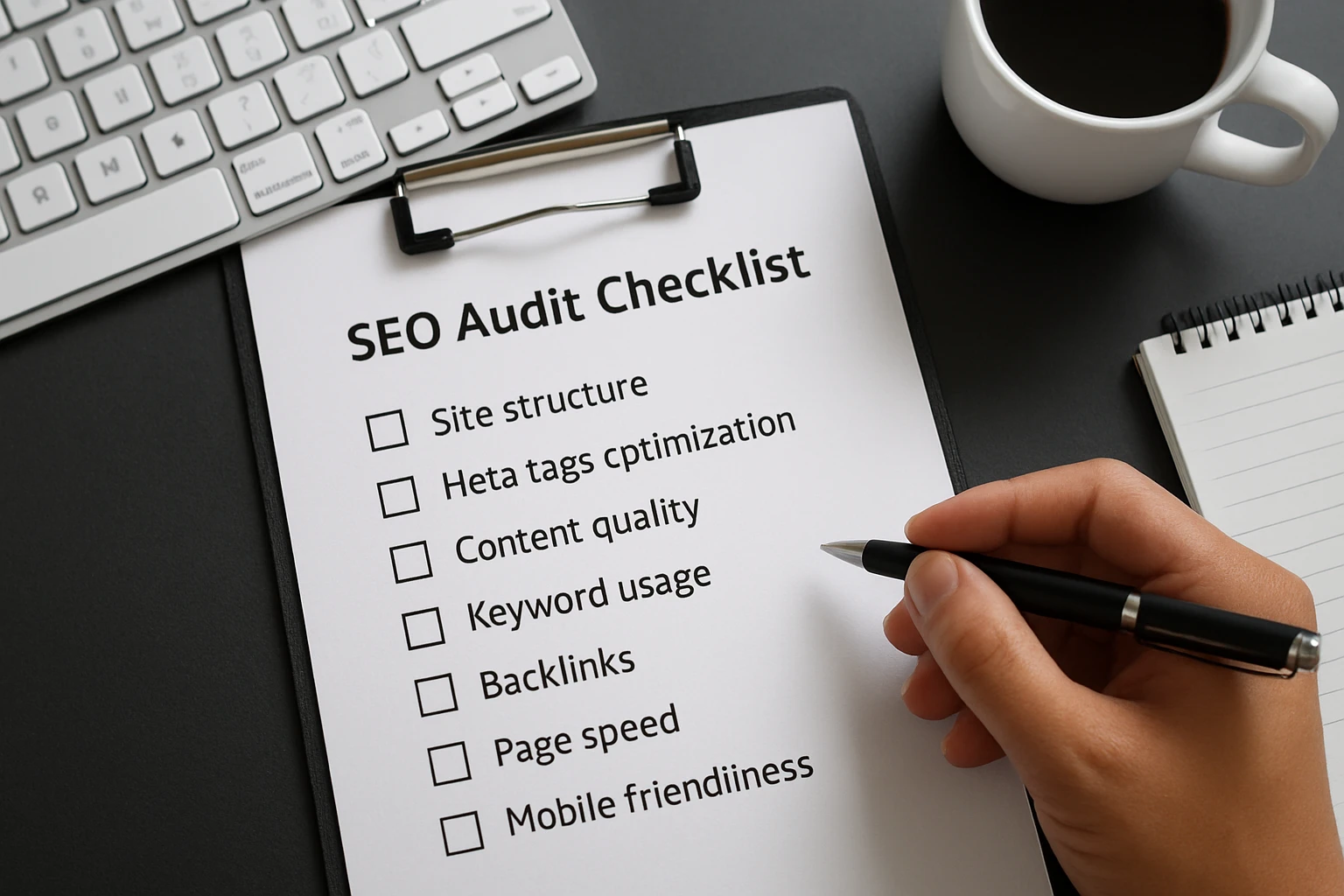
Classic SEO is not the full picture anymore. AI search readiness is a separate area, and that matches what many teams are seeing across Google AI Overviews, ChatGPT, Gemini, and other answer surfaces.
Check whether your pages answer compound questions directly, state entities clearly, surface author or organization credibility where relevant, and connect supporting pages through tight topic clusters. Search engines and answer engines both reward clarity. Muddy topic architecture makes you harder to cite, summarize, or trust.
- Add concise answer blocks near the top of pages that target informational intent.
- Clarify entities, product names, and category language across templates.
- Strengthen supporting content so important pages are backed by obvious topical context.
- Audit schema and internal links together, not as separate afterthoughts.
Do not ignore speed, local, or ecommerce checks
Many audits stop once titles, headings, and backlinks are reviewed. That leaves real money on the table. Core Web Vitals and speed, Local search, and eCommerce extras are separate areas because those issues behave differently and often need different owners.
A local clinic may lose visibility because location pages are thin and business details drift across directories. A publisher may lose engagement because mobile article templates shift during load. An ecommerce site may choke growth because faceted URLs multiply faster than canonicals can contain them.
| Often Missed Area | What To Check | Typical Owner | Business Risk |
|---|---|---|---|
| Speed | LCP, INP, CLS on key templates | Developer | Lower engagement and weaker mobile performance |
| Local | Location pages, NAP consistency, LocalBusiness schema | SEO owner with operations input | Lost map pack and location-based demand |
| Ecommerce | Variant URLs, filters, product availability, Product schema | Developer and merchandiser | Index bloat, duplicate pages, missed rich results |
Do not leave prioritization until the end
Most teams discover severity after the audit is already bloated. Keep the smarter move: impact is assigned before the work starts. Keep that rule. It forces tradeoffs while you still have momentum.
The biggest operational failure is not missing a meta description. It is letting urgent work get stranded between SEO, engineering, and editorial because no one ranked it, no one owned it, and no one agreed on what “done” meant.
The biggest miss is treating the audit like a list instead of a priority system.
Keep the Audit Repeatable
Re-run the SEO audit checklist after major changes
Run it again after migrations, template releases, navigation overhauls, large content pushes, schema rollouts, or CMS changes. I usually run a slim version within 48 hours of launch, then a fuller pass after Google has had time to crawl the updates.
Whether you use a shared worksheet or your own sheet, the same principle stands: make it easy enough to rerun that the team actually does it.
- Keep a lightweight post-release pass for high-risk checks.
- Run a broader review monthly or quarterly, depending on publishing volume.
- Use the same naming and scoring rules each time so trends stay comparable.
Share the export with stakeholders
Send the right version to the right people. Engineering needs the affected templates, rules, and verification method. Editors need URL-level copy actions. Leadership usually needs a one-page summary: what broke, what matters, what is fixed, and what remains blocked.
CSV exports and print views are not glamorous. They are useful. In a Friday release review, that plain document often beats a slide deck because it shows actual evidence and actual ownership.
Keep the template lightweight and living
Do not turn your process into a museum piece. A living audit evolves with the site. A WordPress publisher, a Shopify store, and a headless Next.js app should share core logic, but not identical line items.
Keep the recurring version lean. Keep the deep-dive version broad. Use a comprehensive, multi-area model as a reminder that thoroughness and usability can coexist — if you keep the structure tight.
If you cannot run it again next month, it is not yet a repeatable audit process.
A sharp SEO audit checklist turns scattered findings into work that gets fixed — in order, by the right people, with proof.
Run it before launches, after migrations, and anytime rankings lurch. Keep the scope tight, verify every fix the same way you found it, and save the trail so next month starts faster.
When you run your next SEO audit checklist, which item will reveal the most uncomfortable truth about your site?
Move From Findings To Growth With SEOPro AI
SEOPro AI gives teams an AI SEO platform for Google and AI search visibility, plus automated publishing, content generation, schema support, and monitoring that expand organic reach and model-driven mentions.
See The Platform